
Connecting to the MySQL Server
You can obtain the connection parameters for your database in the Databases (Базы данных) section of the hosting control panel. To do this, go to the Users (Пользователи) tab and click on the username.

Here you will find the main information required to connect to the server.
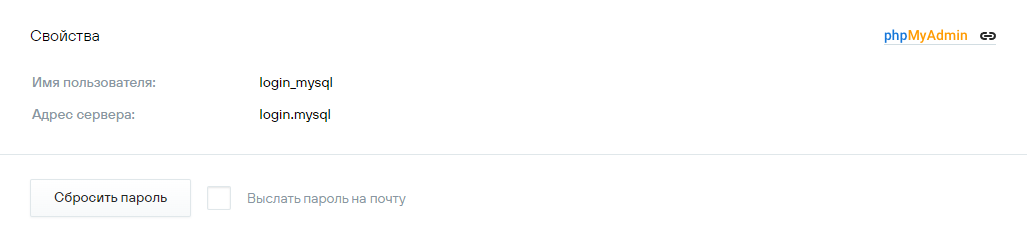
- Database server address (host): login.mysql, where login — the unique hosting name (displayed in the upper-right corner of the control panel).
- MySQL username (login): login_mysql.
- Password: To generate or reset the MySQL user password, click Reset Password (Сбросить пароль). The new password will be displayed on the screen.
- When your hosting account is created, a default database named login_db is automatically created.
If the MySQL user password is changed, websites on the hosting that rely on this user for database access will stop functioning until the password is updated in the site scripts. You can find the locations of configuration files for popular CMS in the article Configuration Files of Popular CMS.