How do I order a VDS?
1. On the page www.nic.ru, select the “Hosting and Servers” section, then click “VPS Servers” in the drop-down menu.

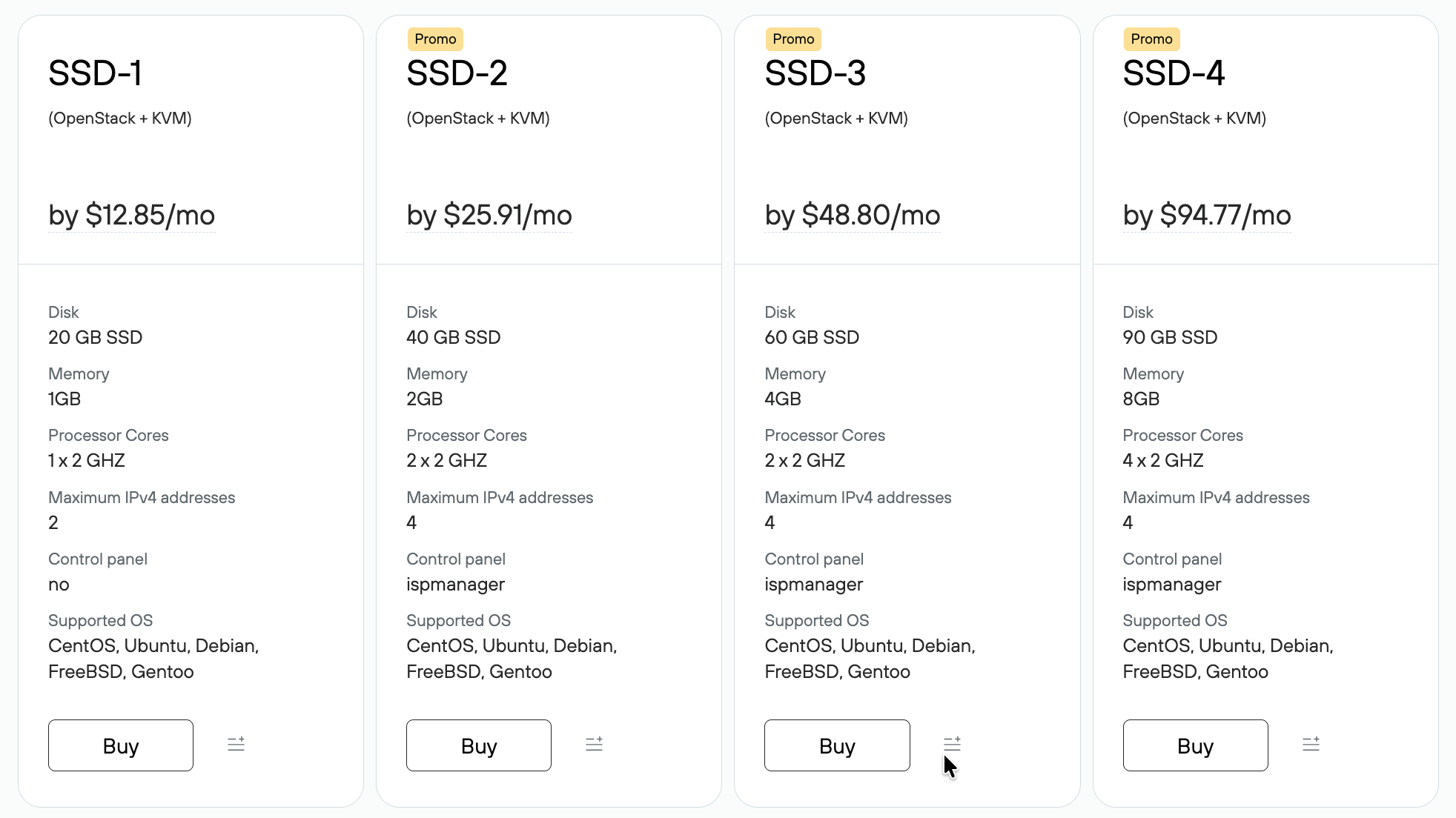
2. On the price plan card, click Order. Recommendations for choosing a price plan.
3. Next, you will need to log in to your Profile or Sign Up if you are not yet a Rucenter customer.

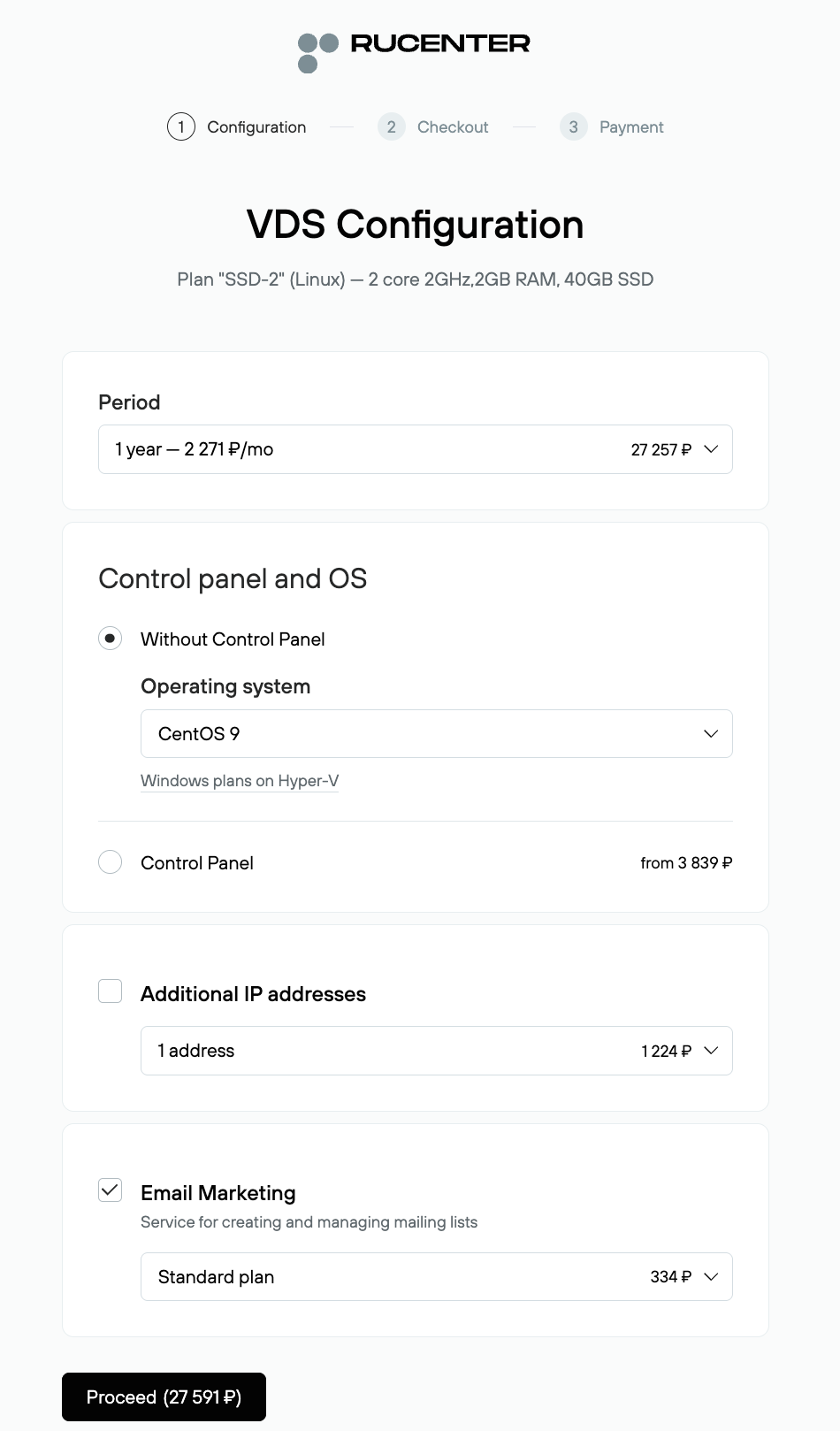
4. Select the payment period from the drop-down list. Select the operating system from the drop-down list. If you have no experience with server operating systems, we recommend choosing a plan with the ISPmanager control panel. If you need an additional IP address, add it to your order. You can also add the Email Marketing service to manage email campaigns. Click Continue.
5. In the next step, you will see the total cost of your order. If you have sufficient funds in your account, the order will be paid for immediately.

6. Once the order is placed, the order details will appear in the Orders – Processing queue.
7. After payment, the order is processed. Activating the hosting service takes 5 to 60 minutes, provided that the VDS service administrator has been verified.
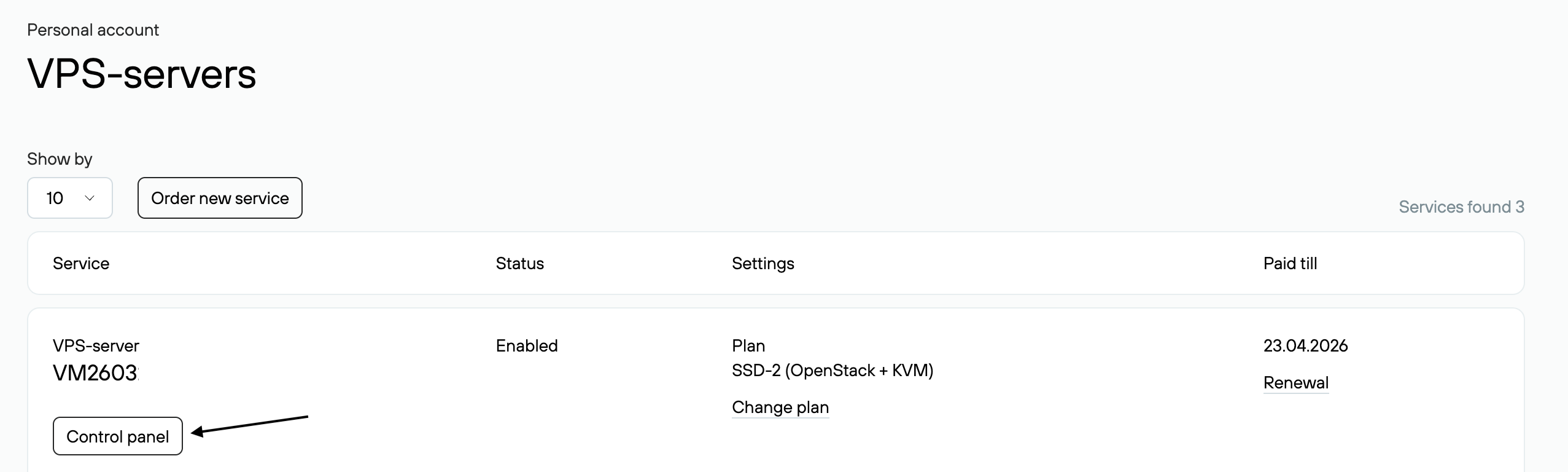
VDS management will be available in the Services → VDS section.