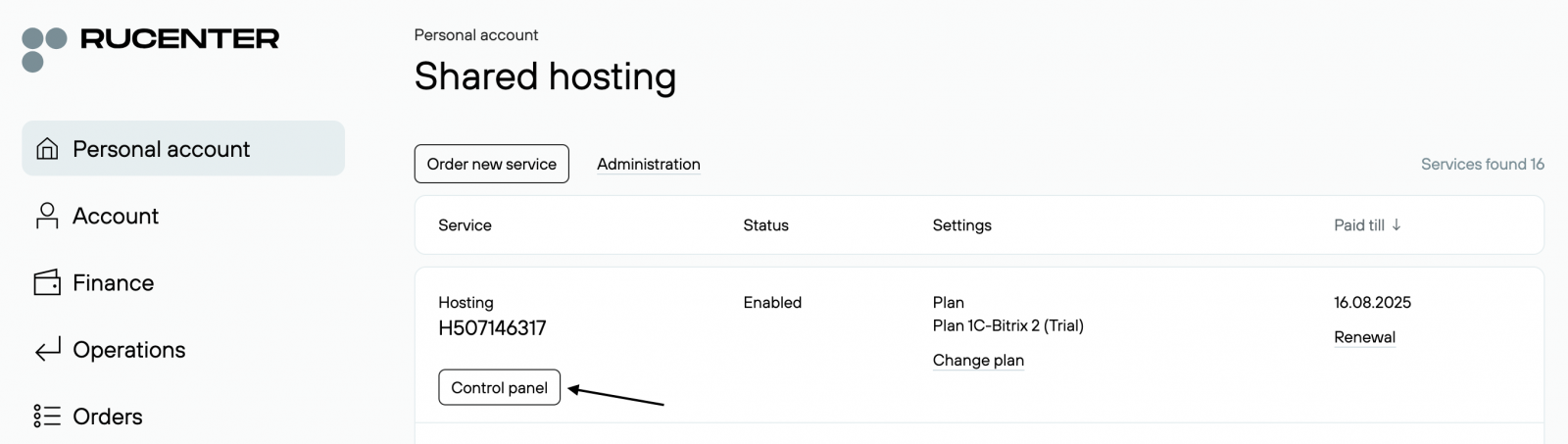
How do I order hosting?
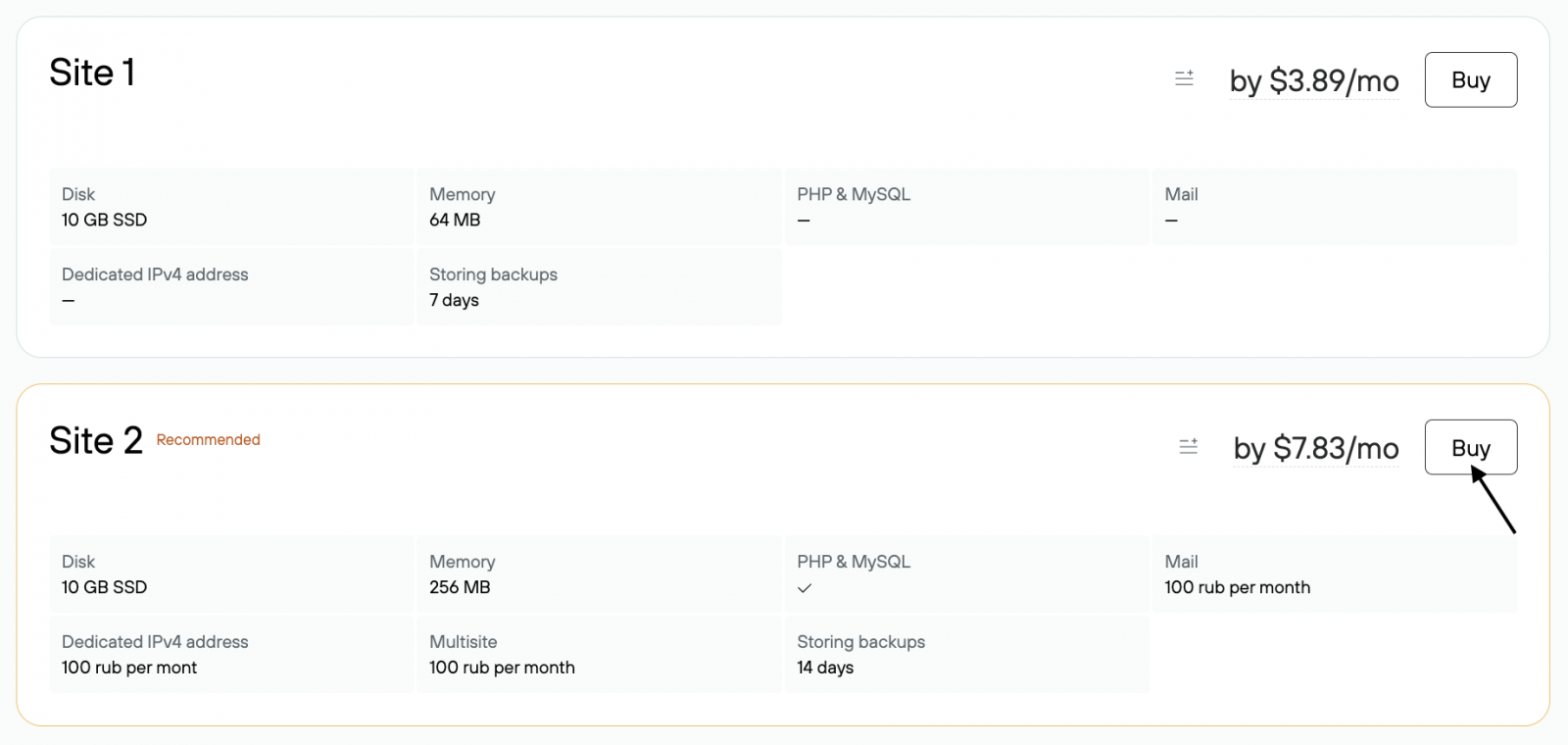
- On the www.nic.ru, go to the Hosting and Servers section. Choose the type of hosting, for example, Shared Hosting.

- On the plan card, click Buy.
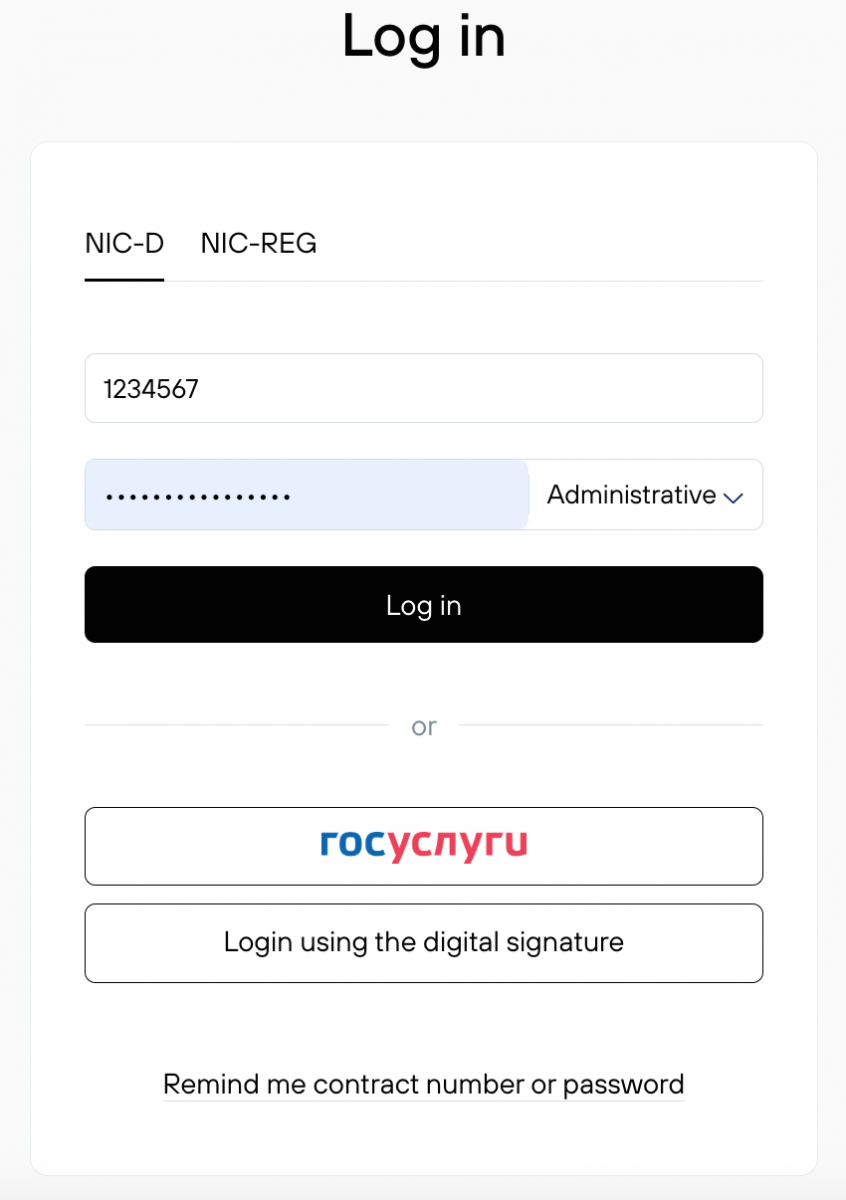
- Then log in, or click Become a client in the top right corner if you’re not yet a Rucenter customer.
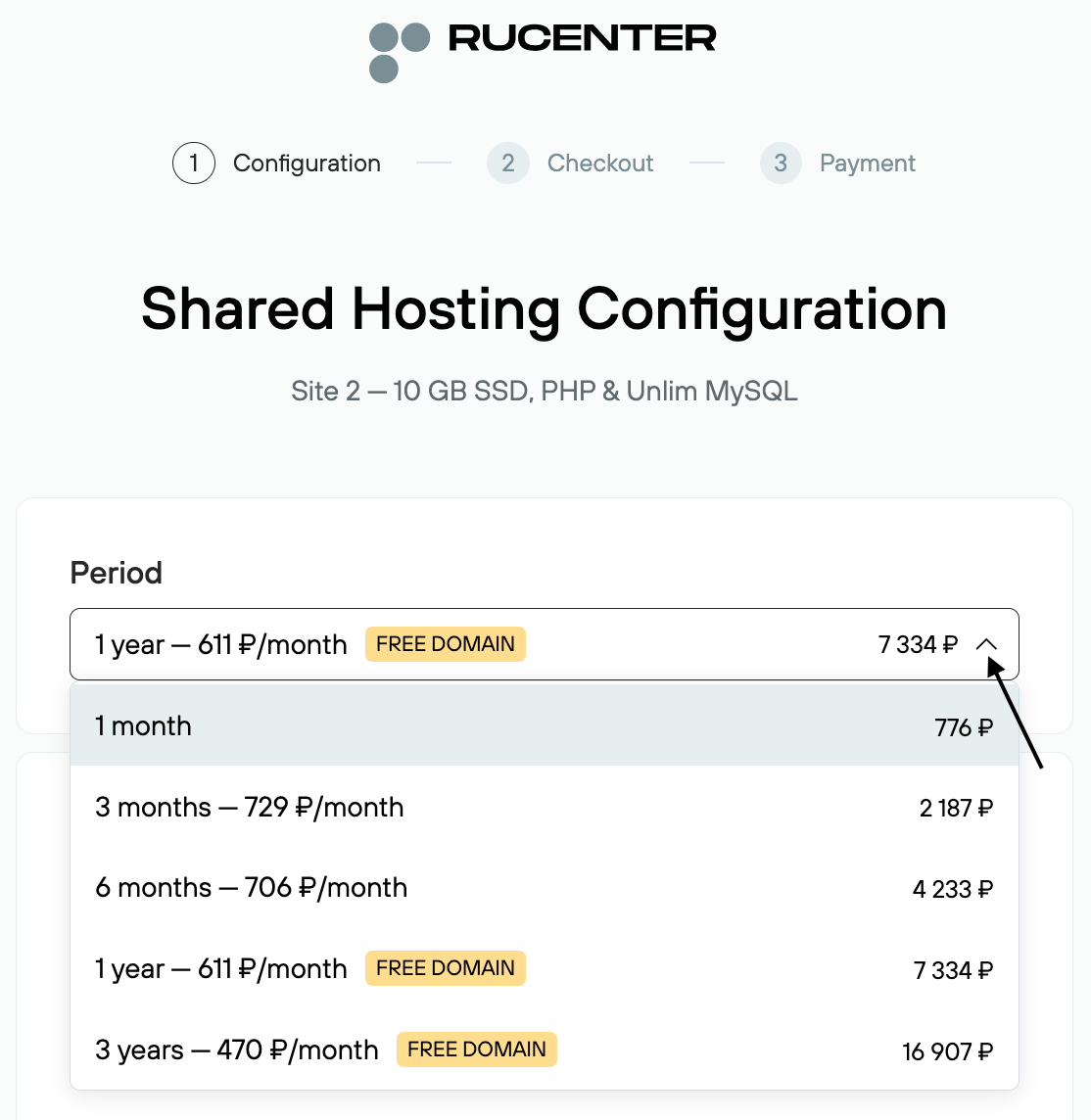
- Select the billing period from the drop-down menu.
- With your hosting, you can register a new domain if it’s available. If the selected domain is in the .ru or .рф zone, it will be added to the order for free.
You can also add an existing domain to the order or proceed without a domain.

-
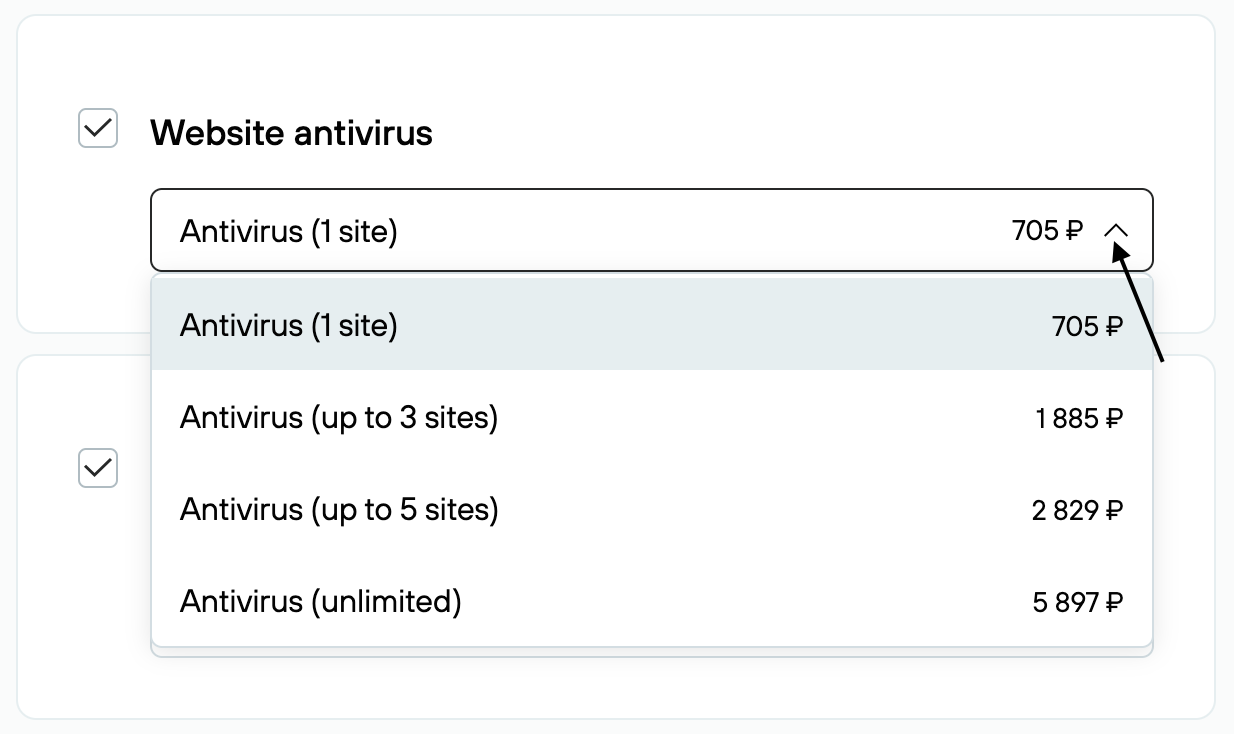
By default, the «Website Antivirus» service is included in the order. This service protects your website from malware, data loss, and SEO ranking drops. From the drop-down menu, you can choose a plan:
Personal — protection for 1 website
Professional — protection for 3 websites
Business — protection for 5 websites
Premium — protection for 6 or more websitesIf you don’t need this service now, uncheck the box next to it.
-
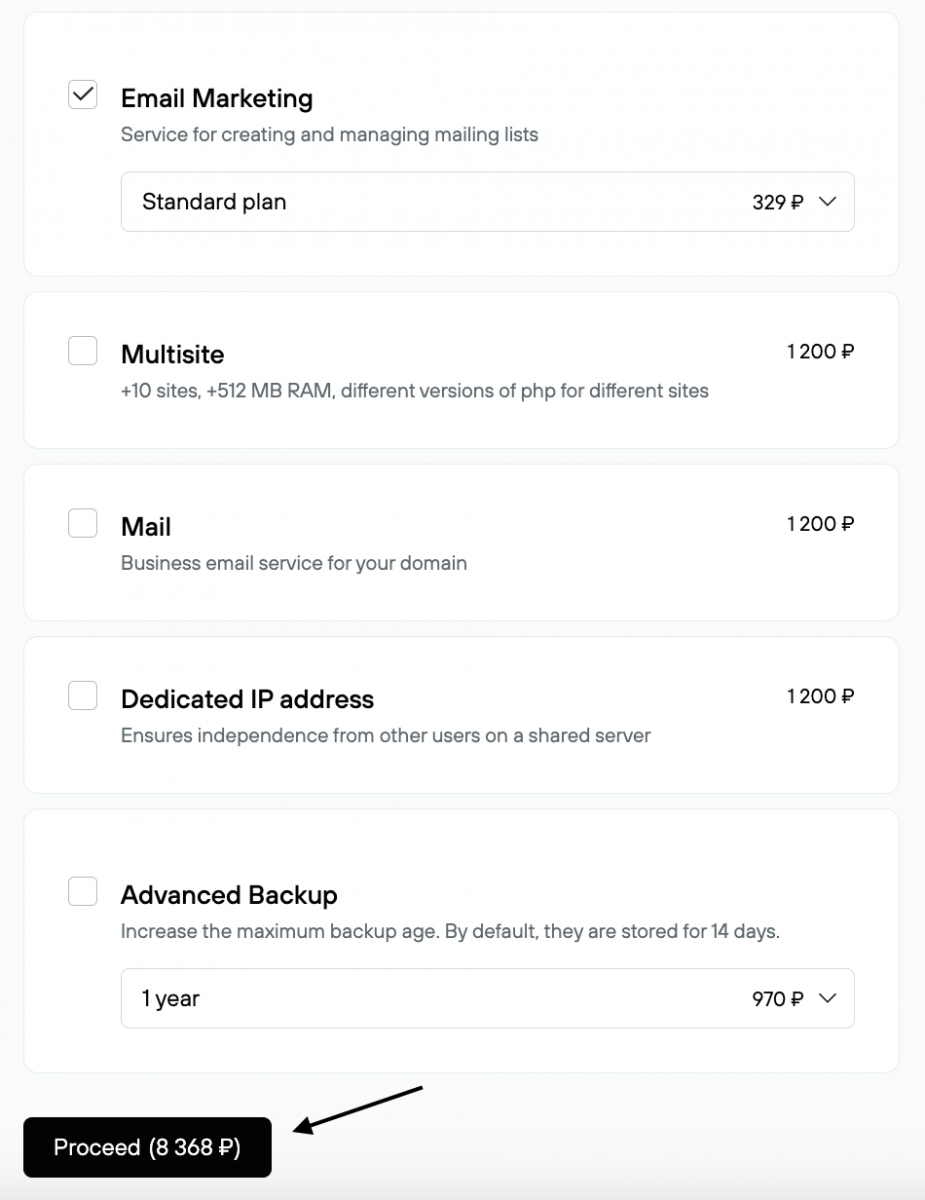
Leave checkmarks next to any additional services you want to include in the order: Dedicated IP address, Email, Email marketing, Multisite, Advanced backup. Click Continue.
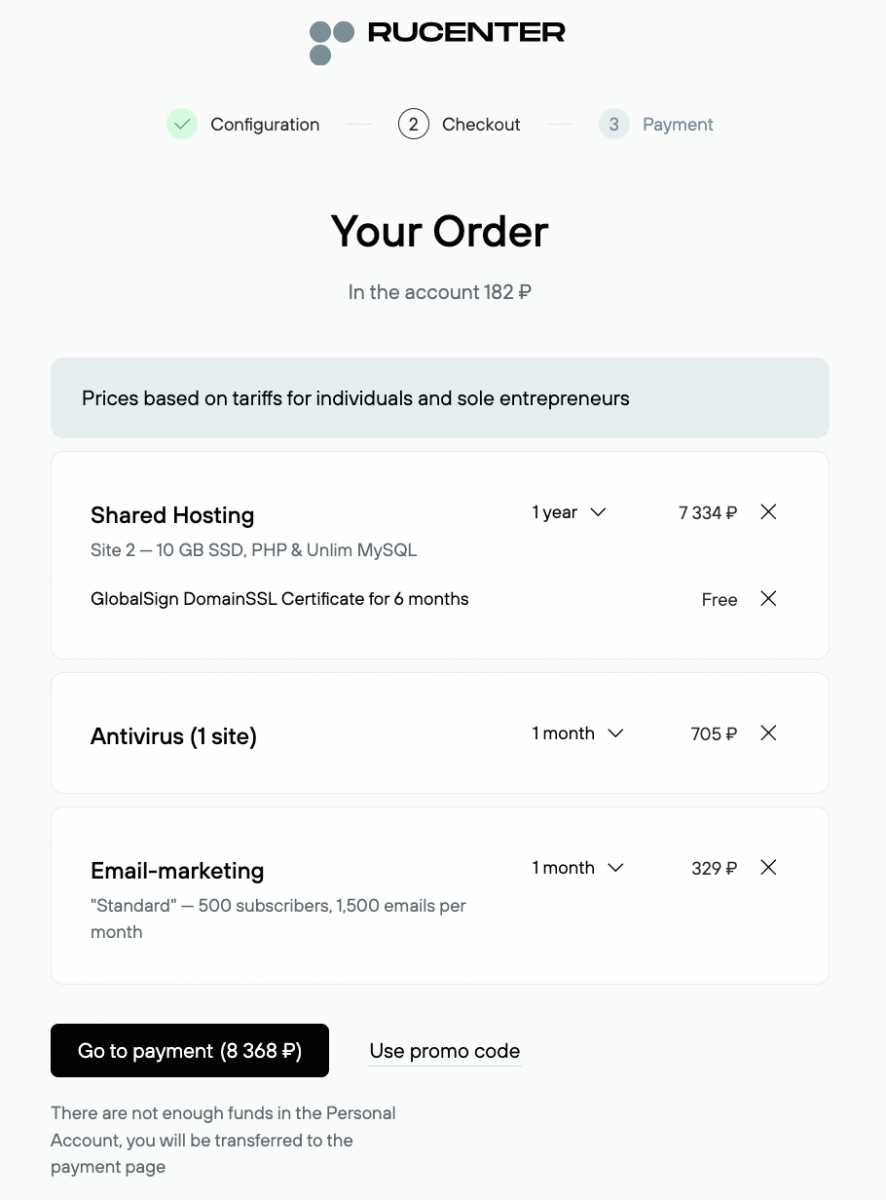
- Review the list of services and total cost of the order. Click Go to payment.
-
If there are insufficient funds on your account, enter your bank card details and click Pay. To choose a different payment method, click Change payment method.
-
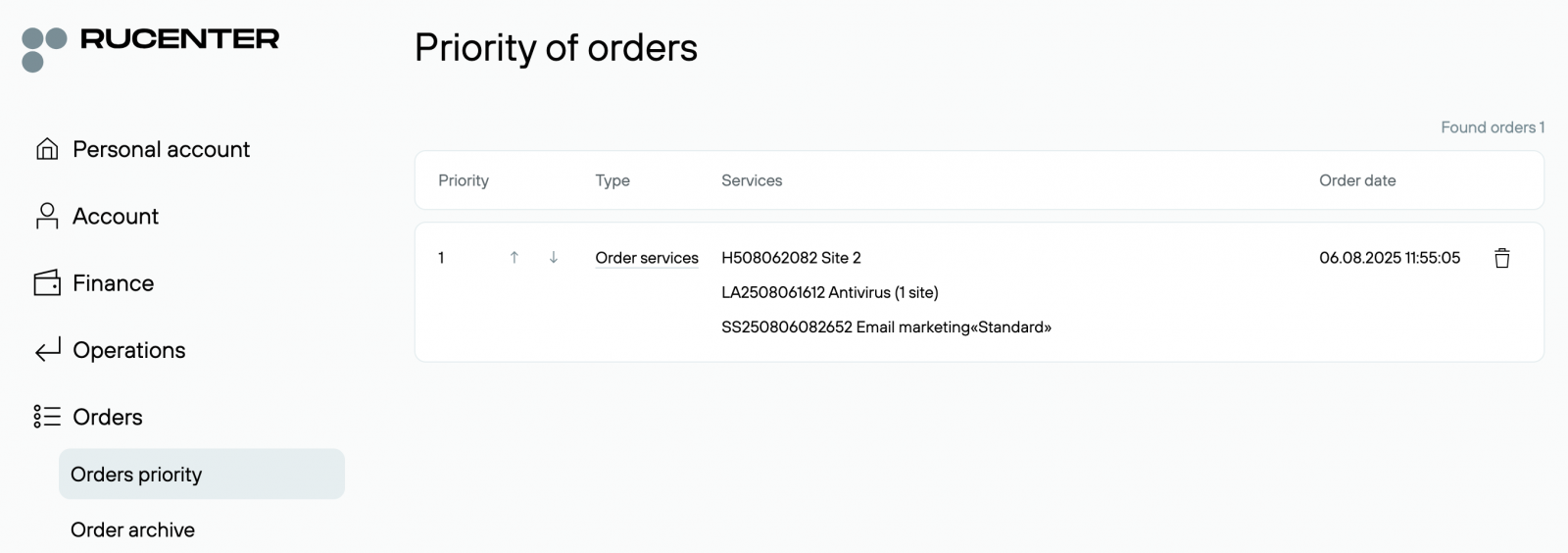
Order information will appear in the Orders section.
-
After payment, the order is processed. Hosting activation takes from 5 to 60 minutes, provided the hosting owner has been verified.
Service management will be available in the Active Services — Virtual Hosting section.