
Setting Up the Website Insurance service
Before setting up the service, you must:
- enable antivirus protection for your website;
- ensure that the domain is hosted on a working hosting service. Hosting can be provided by any hosting provider.
After activating antivirus protection, go to the control panel. In your profile, select "Antivirus" → "Control Panel":

Next, sync your website data with your antivirus service. To do this, download the synchronization file from the control panel (alternatively, you can upload the file via FTP, specifying your hosting FTP details):

Place the downloaded file in your website's directory (the screenshot shows the Rucenter hosting control panel):
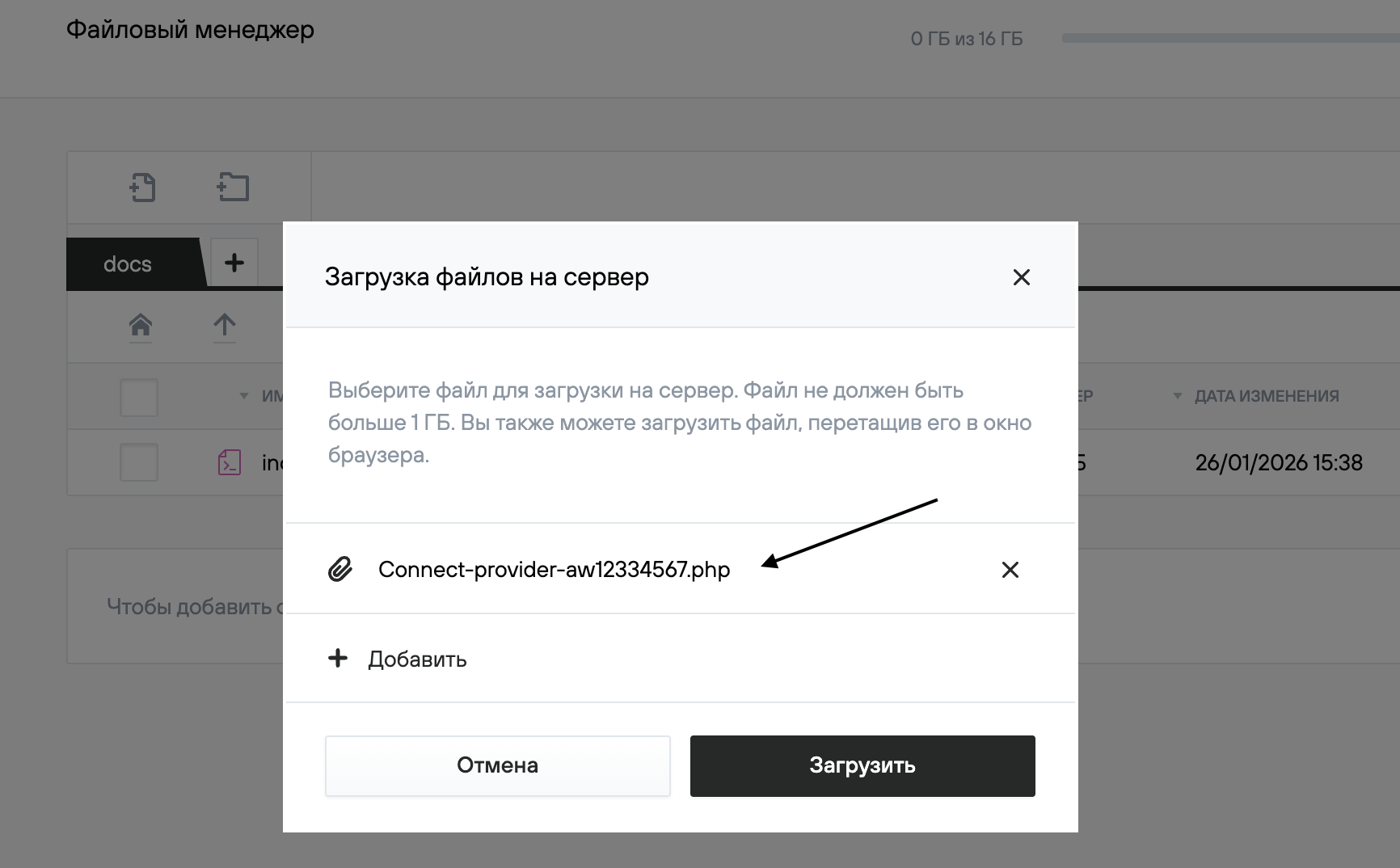
Once the download is complete, return to the Website Antivirus control panel and click "Test Connection":
After a successful check, the service will be enabled for to your website.
Once the settings are complete, activate the insurance policy according to the instructions.