Account Monitoring in Multi-access
The Security — Account Monitoring section in the Control Panel is available to all roles. Access to it cannot be restricted or disabled. However: Primary roles (Main Administrator, Deputies) have access to all data in the reports. Secondary roles can only track information related to actions performed under their own role.
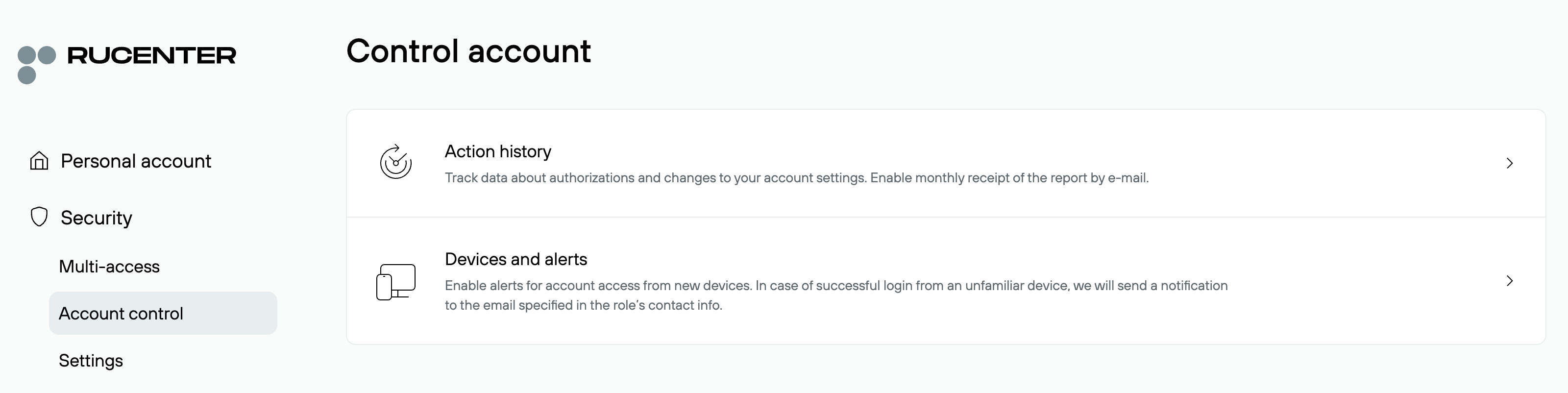
Action History
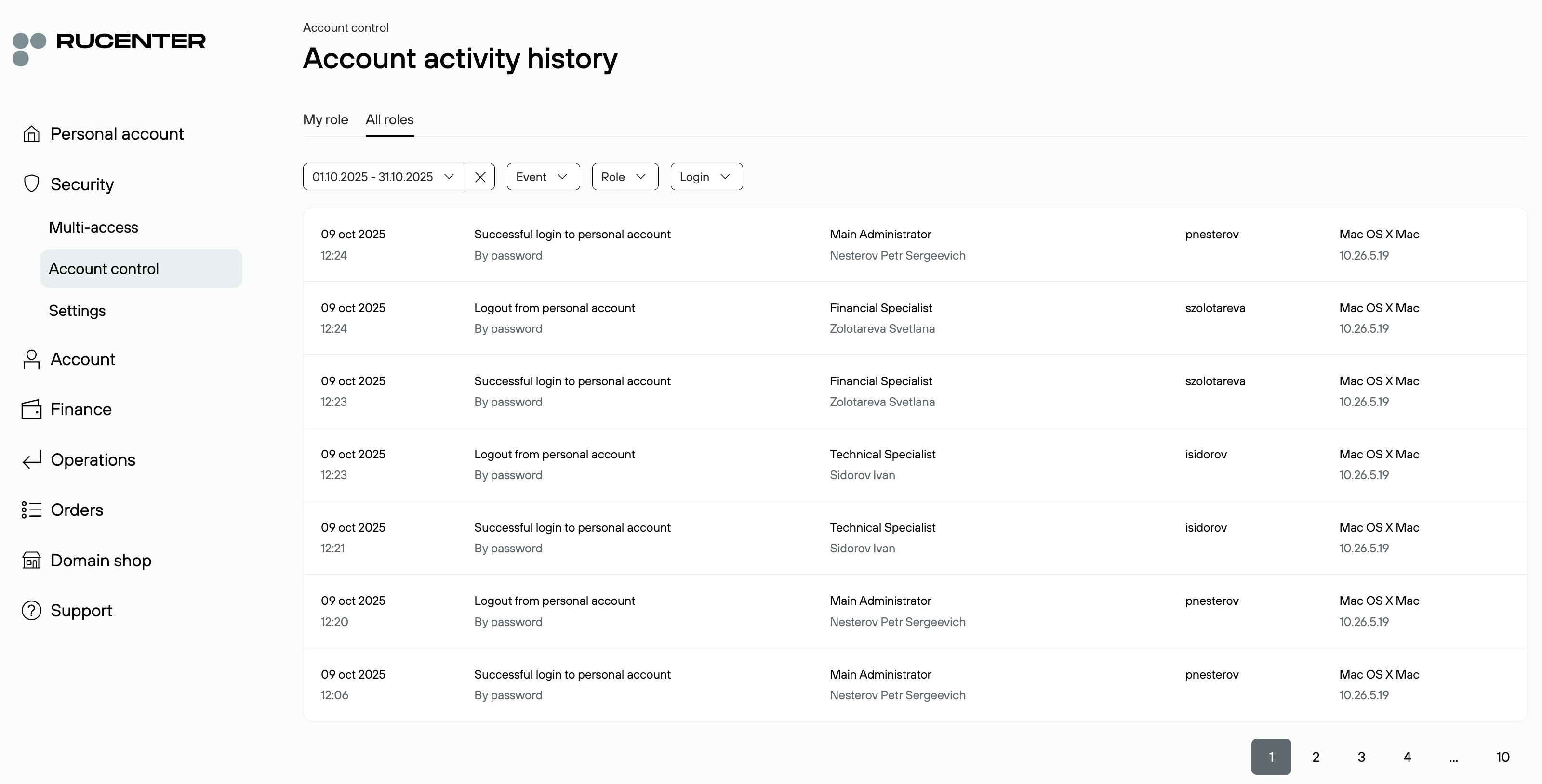
In the Action History section, the Main Administrator or Deputies can view the log of events related to account activity:
- System actions: login, data editing, enabling or disabling notifications
- Financial operations: balance replenishment, payment withdrawals, invoicing
- Service management: ordering, renewal, service deactivation, configuration changes
- Role management: assigning and deleting roles, modifying data and access rights
The Main Administrator and Deputies can see the complete history for all roles. The section provides tabs "My Role" and "All Roles", as well as filters by date, event, login, and role for convenient search.
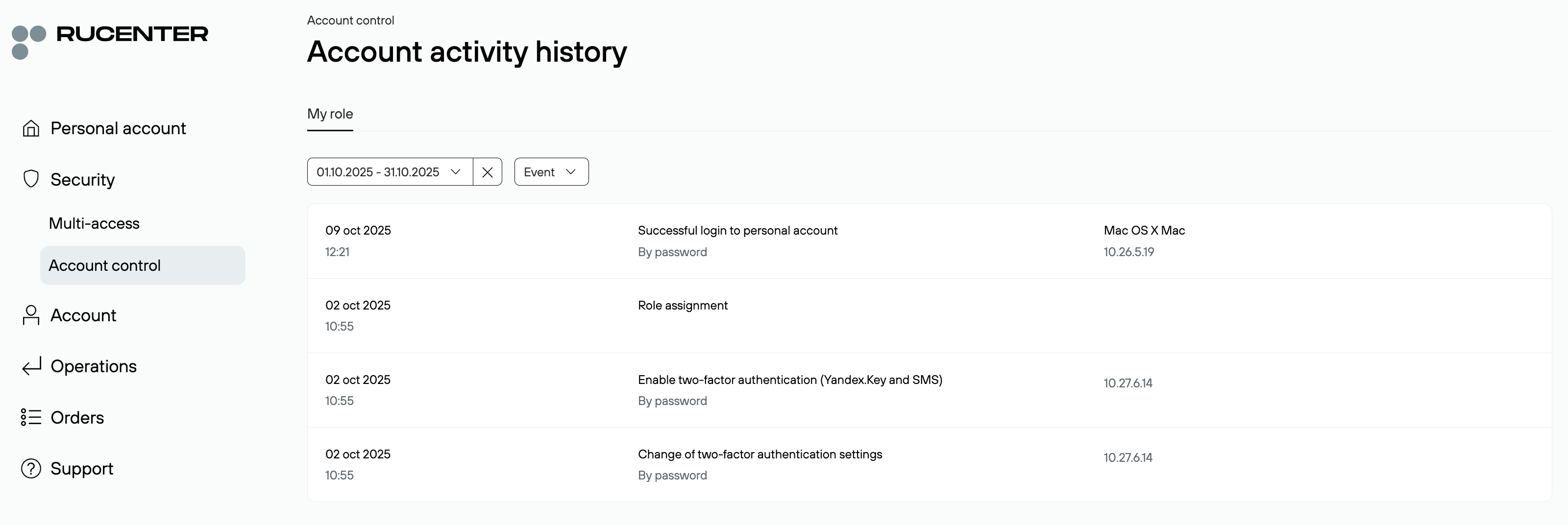
Secondary roles can view only the history of their own actions.
Devices and Notifications
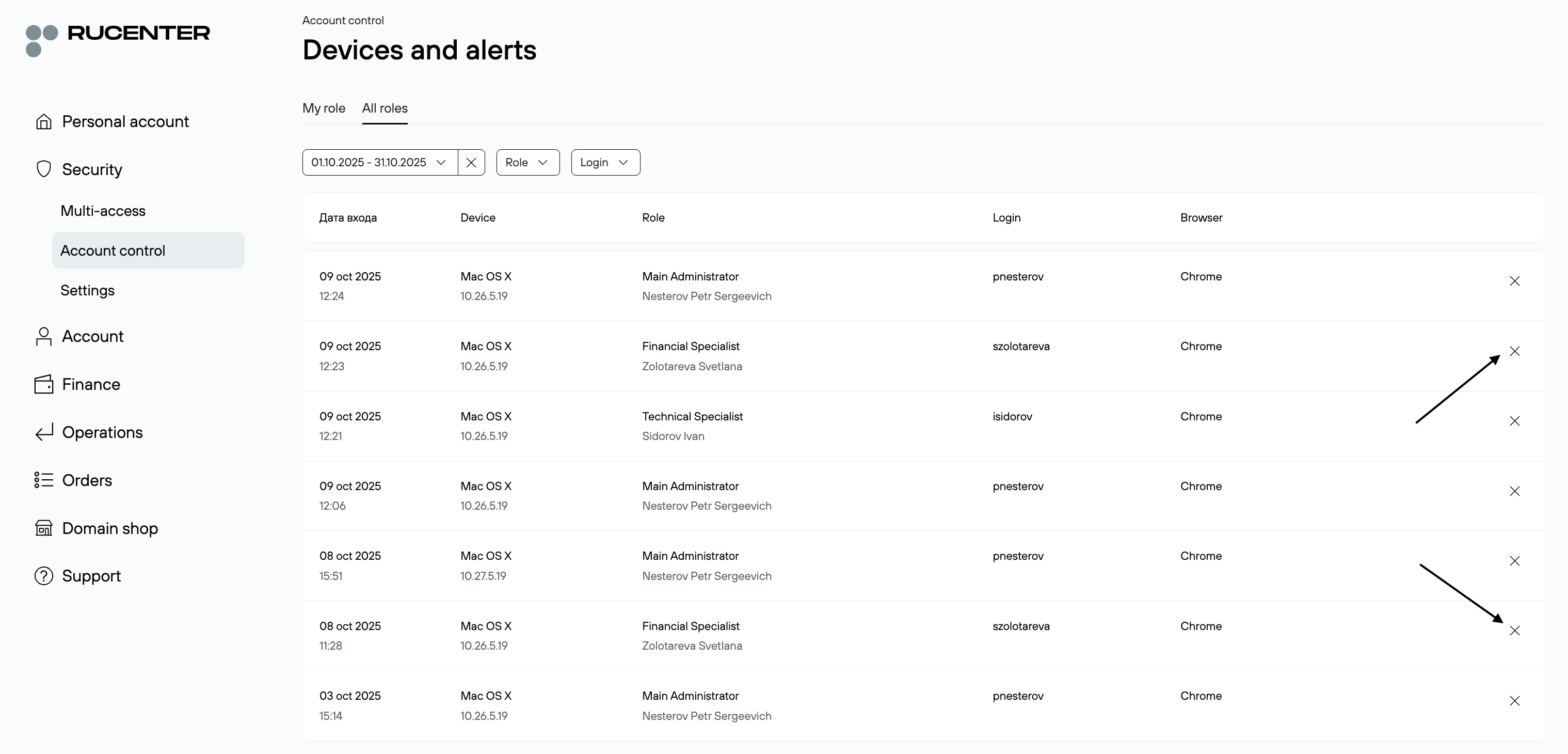
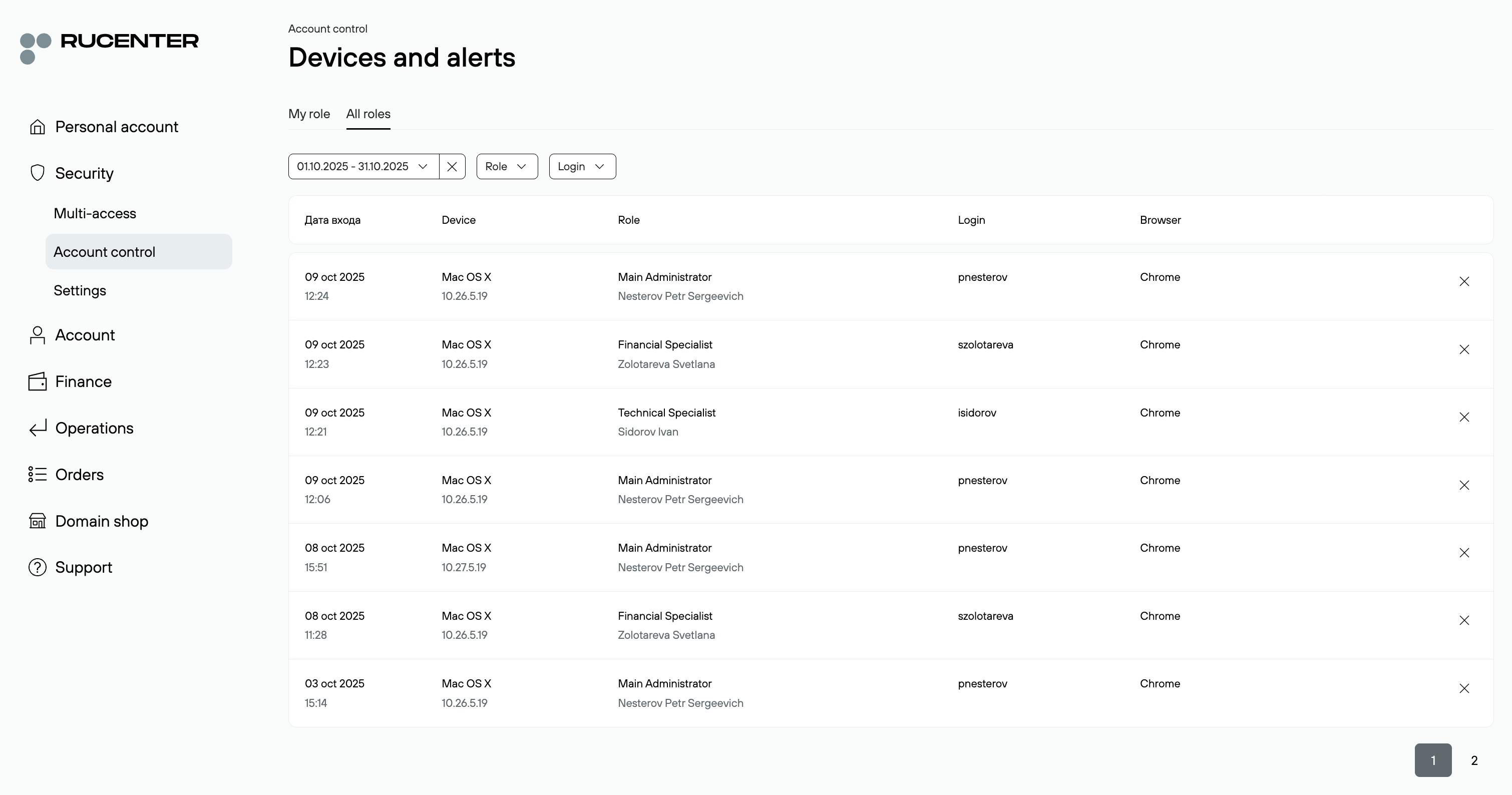
The Devices and Notifications section contains information about which devices and browsers were used to log into the account. Displayed data includes login, role, and authorization time. Data can be filtered by role or login.
The Main Administrator and Deputies see information for all roles, while secondary roles see only their own.
New Device Login Notifications
In this section, you can enable notifications about the first login from a new device. To do this, click Enable in the information message under the device list.

After activation, the system will send a notification to the email specified in the role’s contact details when a login occurs from a new device.
To receive notifications again from an already used device, you must remove it from the list: Click the cross icon next to the device.