
Authorization, Password Changes, and Access Recovery in Multi-access
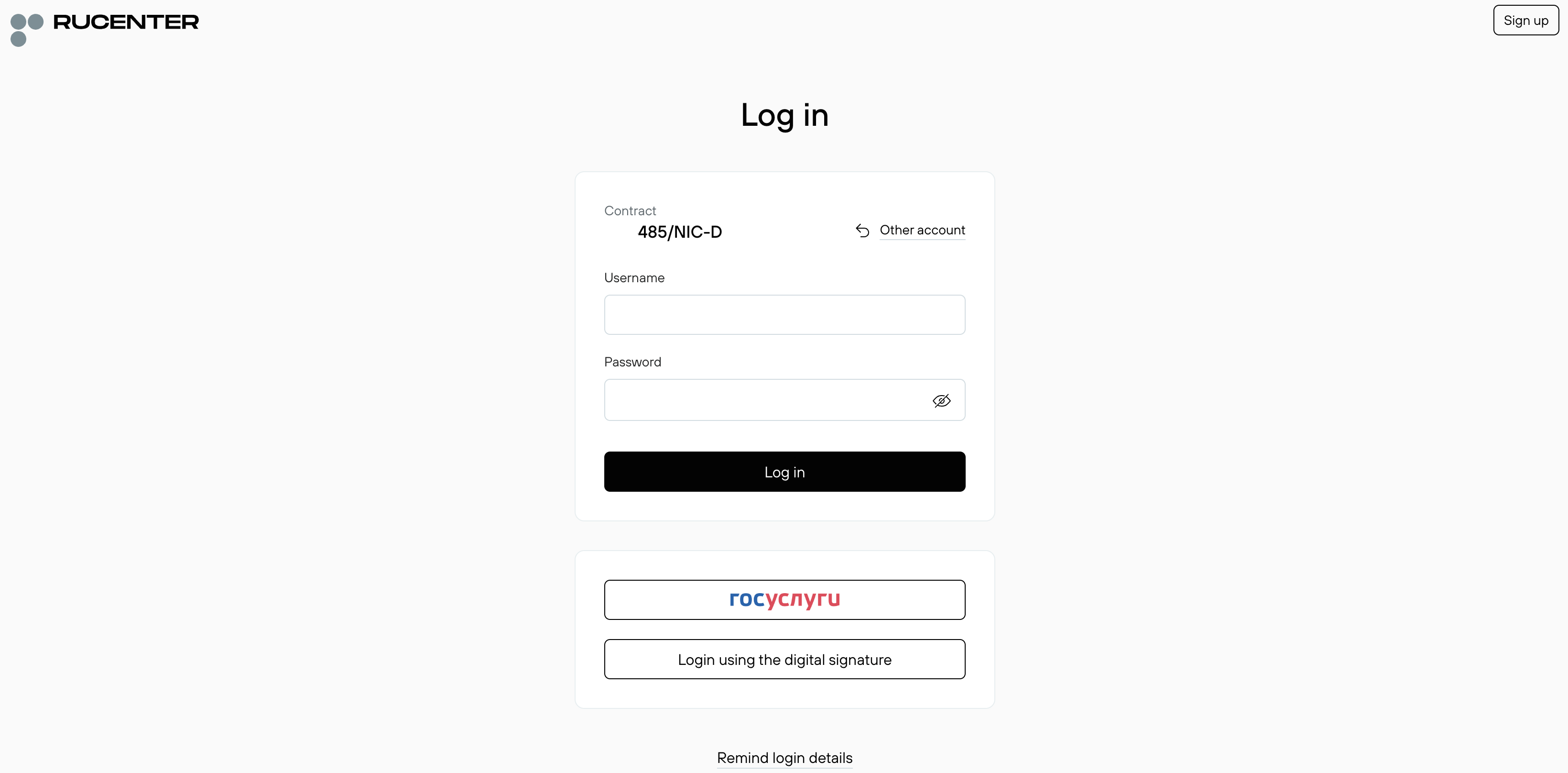
All roles created in Multi-access can log into the Control Panel using agreement number, role login and role password.
On the login page, enter the agreement number.


Enter the role’s login and password.
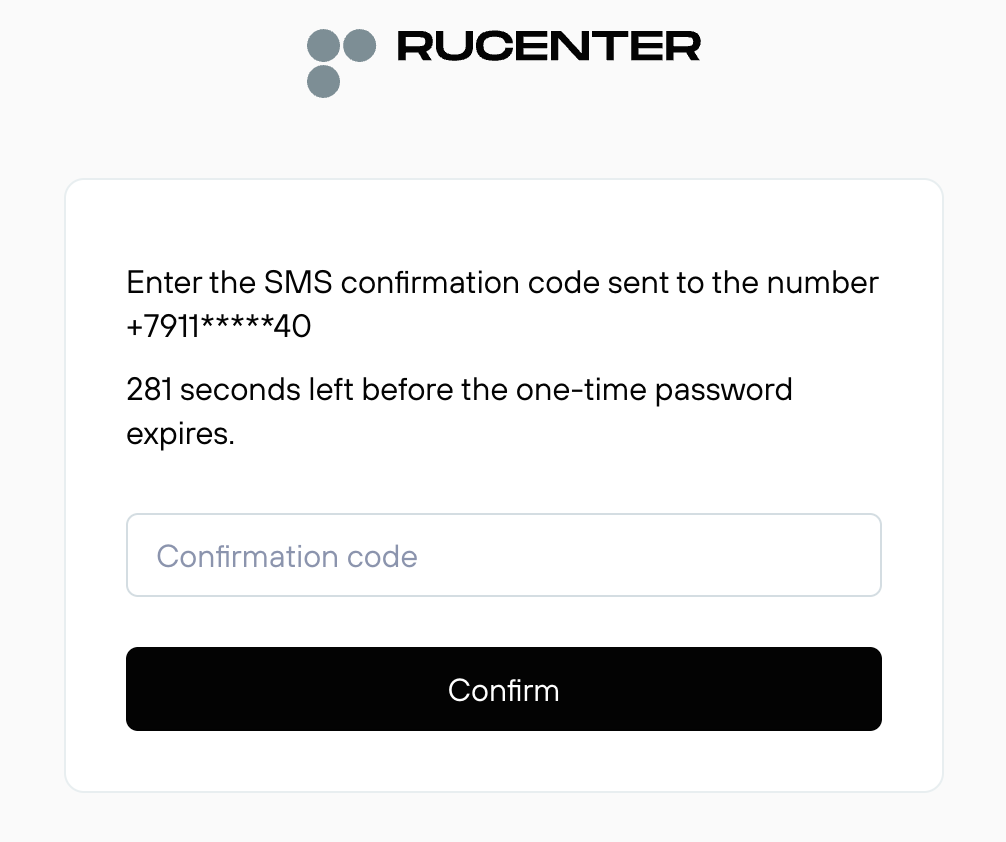
Confirm login with two-factor authentication — via SMS code or Yandex.Key code.
If Multi-access is suspended, only the Main Administrator can log in. For the Main Administrator, entering a login is not required. Only the agreement number and password are needed. For all other roles, all three parameters (agreement number, login, password) are required.
Digital Signature Authorization (EDS) (available only for the Main Administrator)
Setting Up Digital Signature (EDS) Authorization
Go to Multi-access — My Role — Basic. In the Login Method block, click Enable next to Digital Signature (EDS).
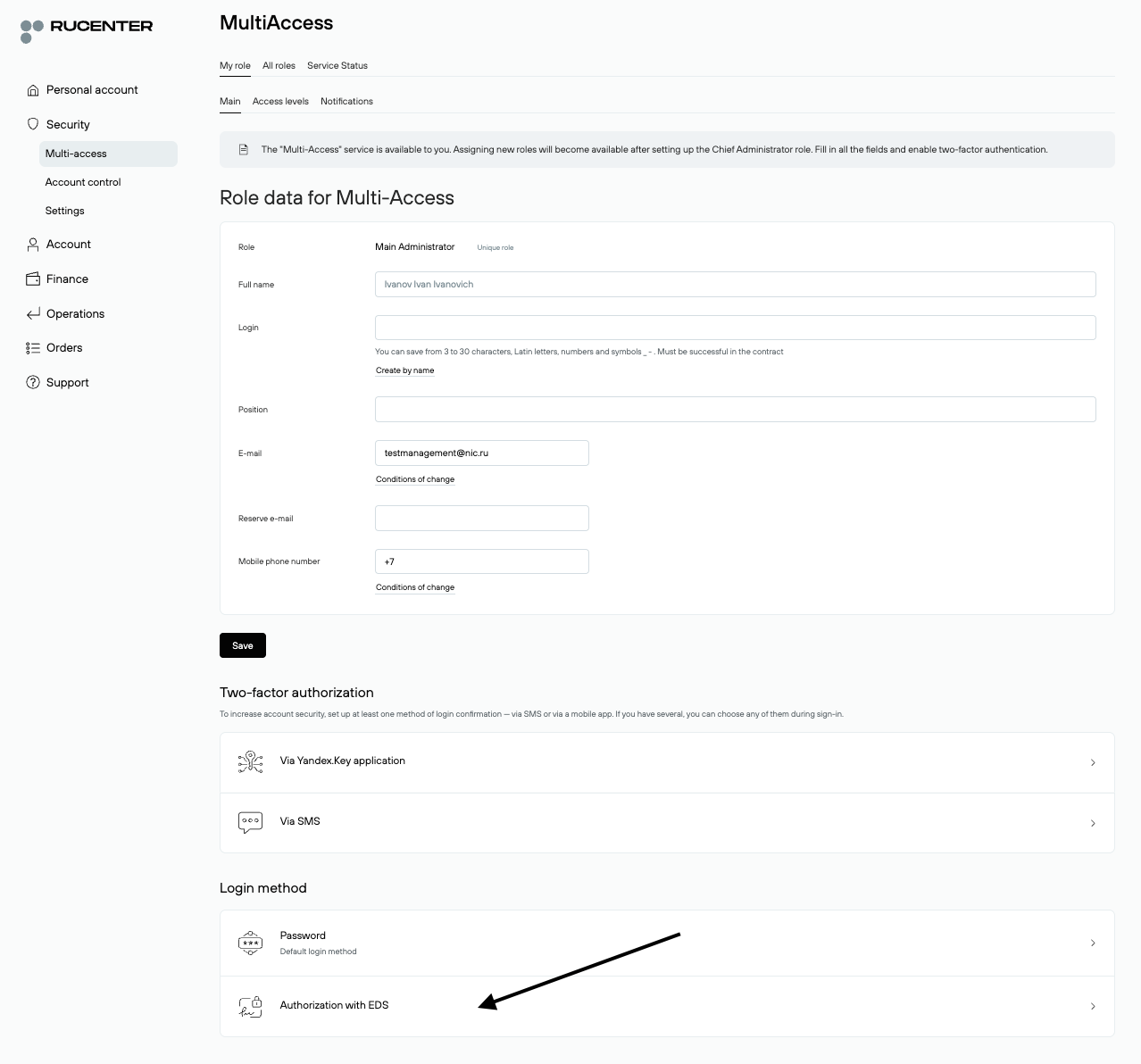
Wait for the browser extension to initialize, select the required certificate, and click Enable.
After Setup
On the login page, select Login with Digital Signature.
Password change
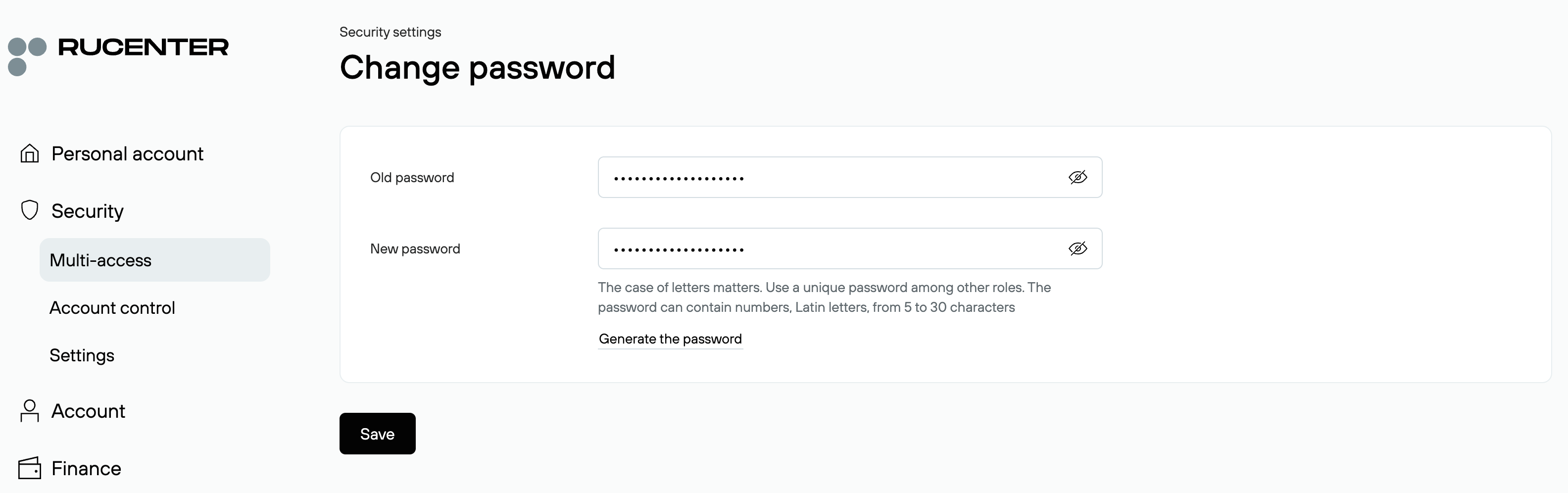
The Main Administrator, Deputies, and Individual Manager can change their role password independently in Multi-access — My Role — Basic — Password.
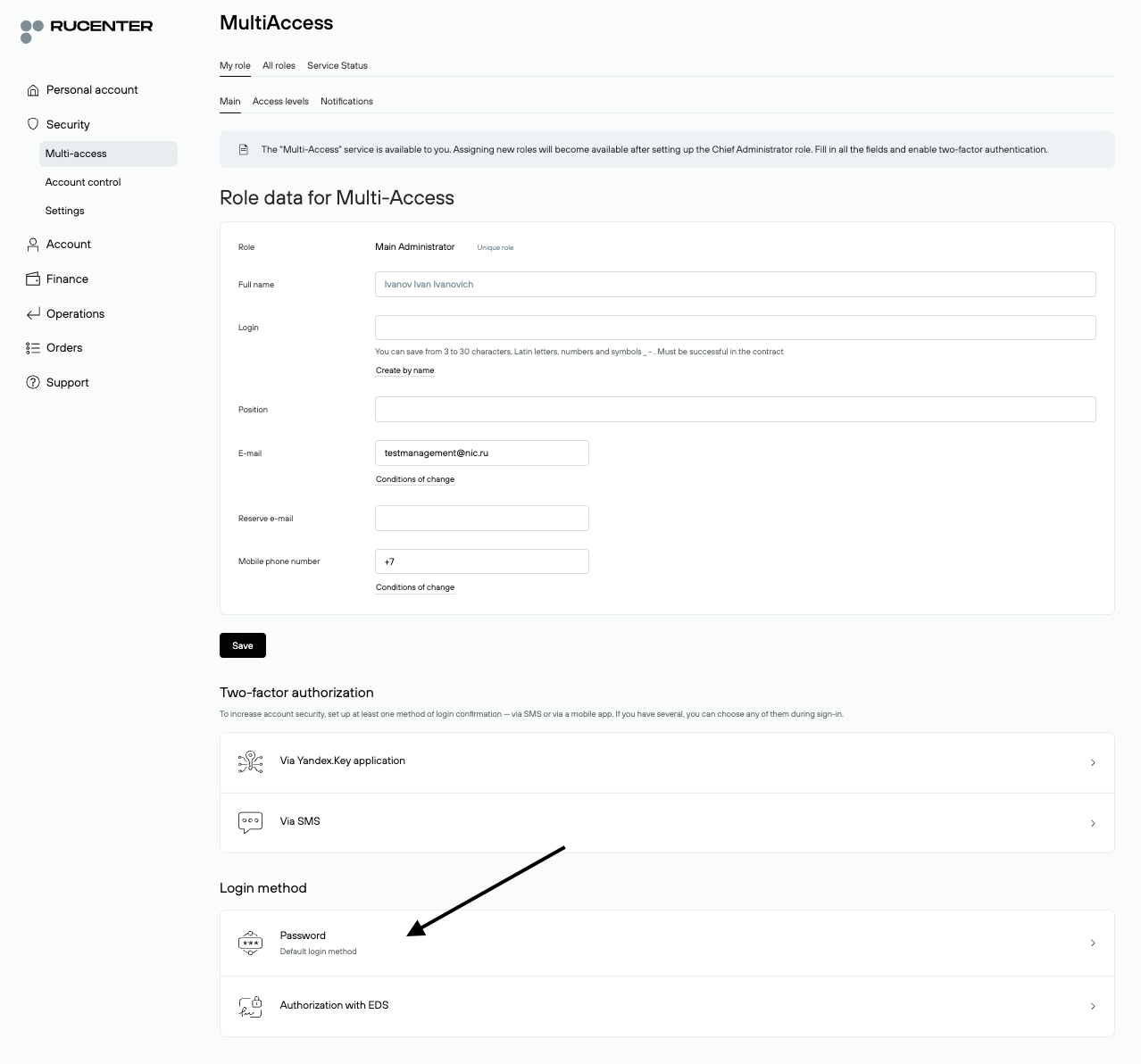
Steps: Enter the current password. Specify a new password. Save the changes.
Password Change for Secondary Roles
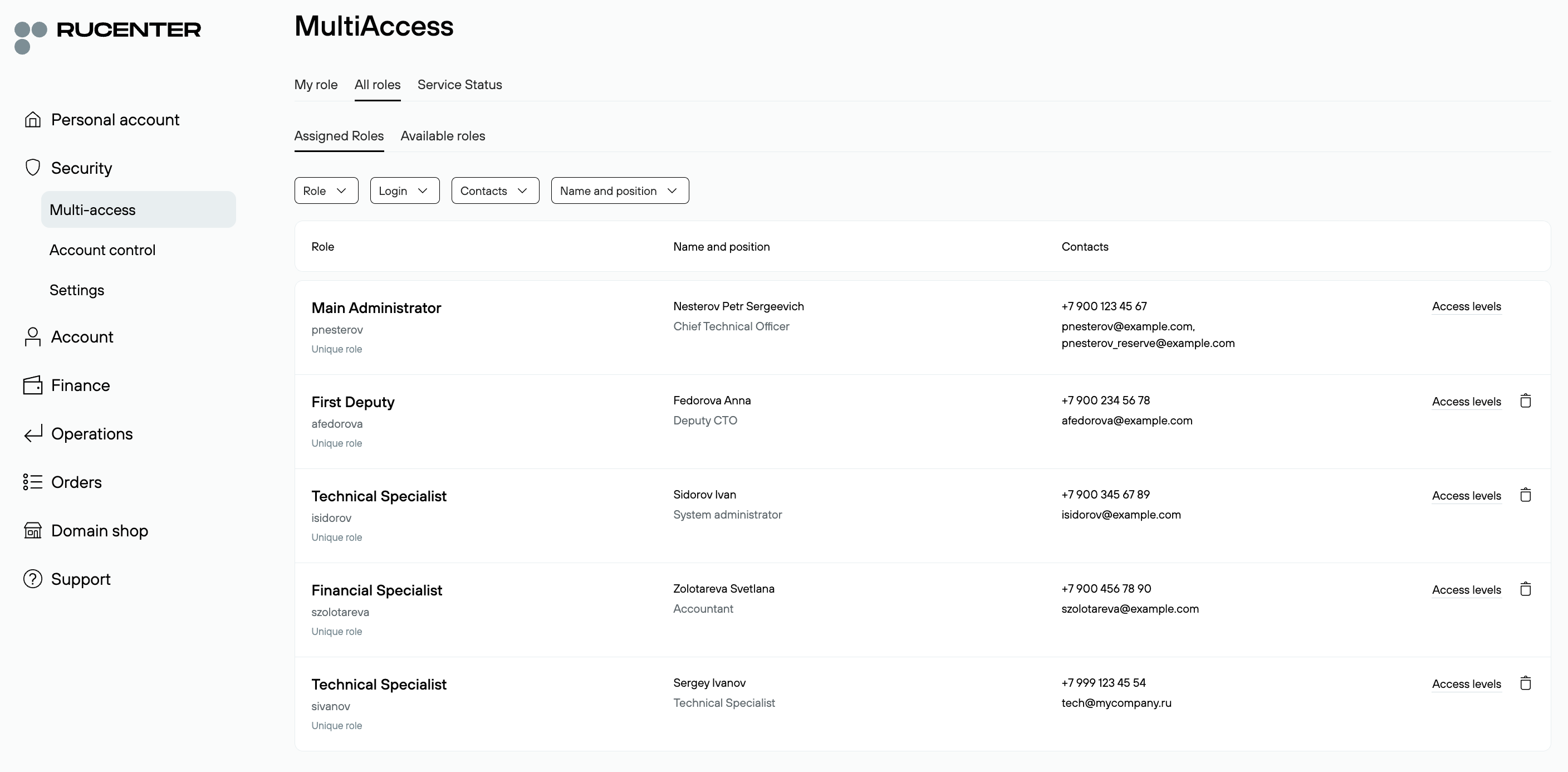
Passwords for any secondary role can only be changed by the Main Administrator or Deputies.
Go to Multi-access — All Roles — Assigned Roles. Select the desired role.
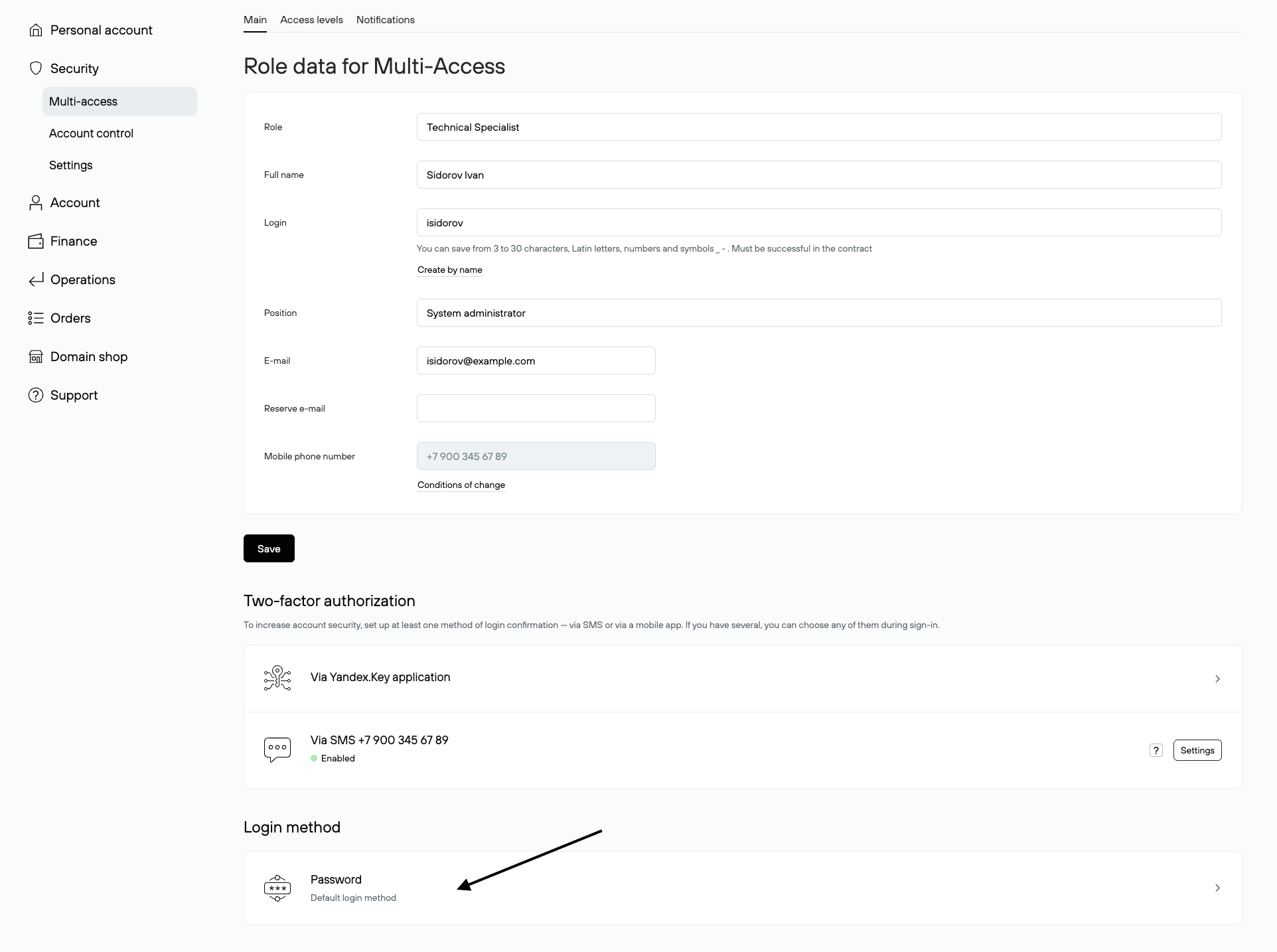
On the opened page, in the Login Method block, click Password.
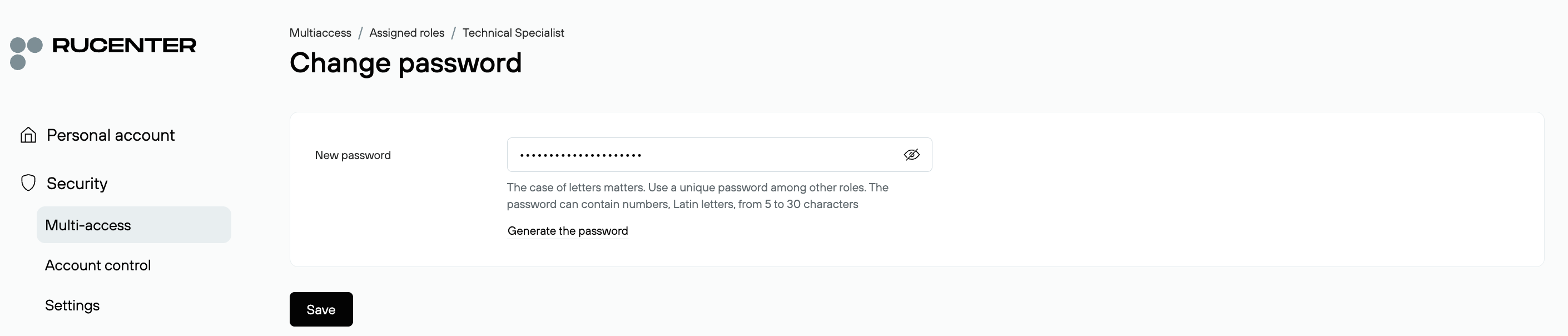
Enter the new password and save changes.
After a password change, the role owner, the Main Administrator, and Deputies receive a notification.
Access Recovery
The Main Administrator and Deputies can restore access to their roles via email.
Steps: On the password recovery page, enter the agreement number and the email address specified in the role’s contact details. A new password will be sent to that email.
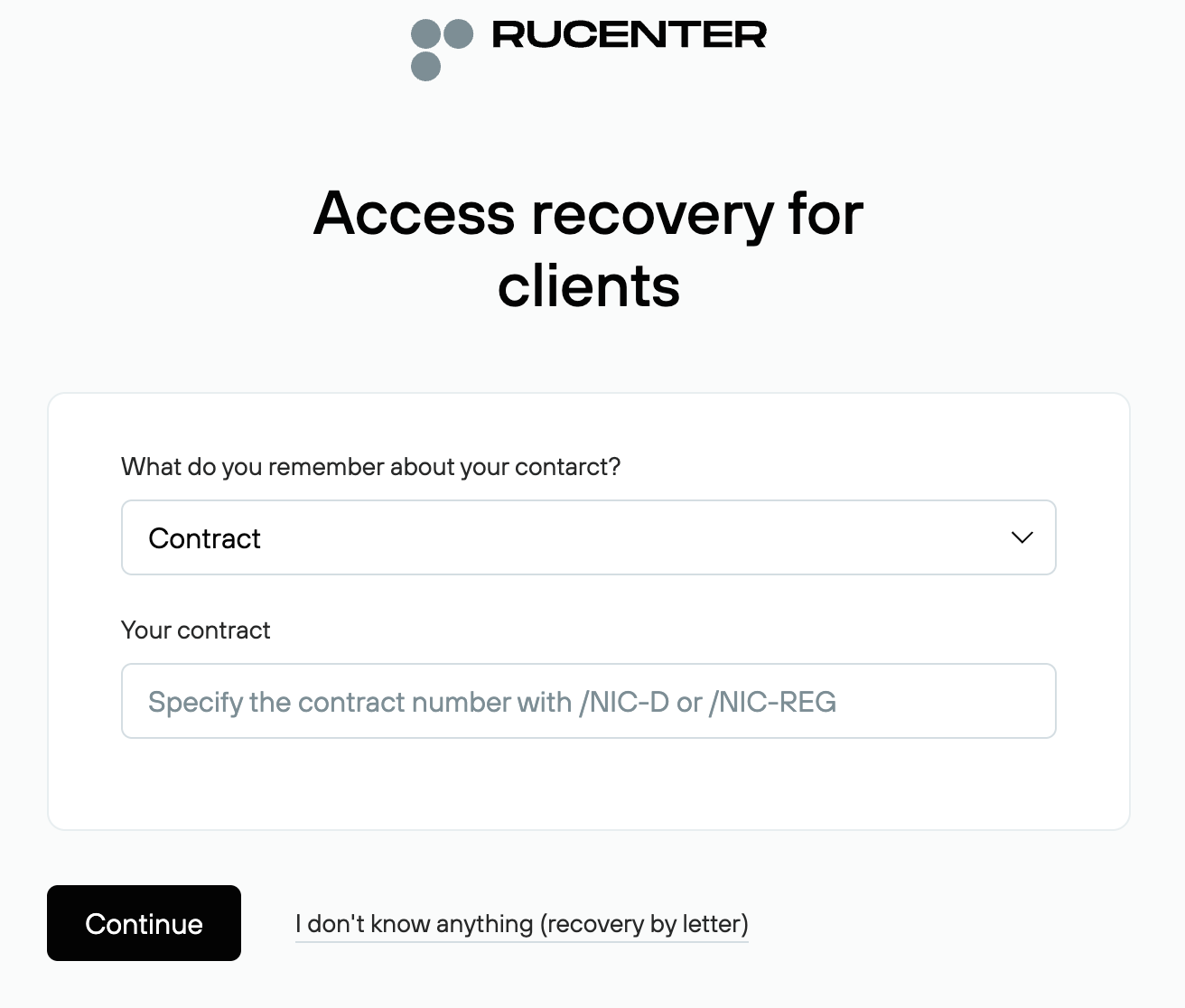
Access Recovery via Official Letter
If you do not have access to the email address specified in the role’s contact information, you can restore a password using an official letter:
1. Fill out the official letter (RTF)
Follow the provided instructions for completing the form.
2. Submit the completed documents through the electronic document management system (EDM) or by email, signed with a digital signature (QES).
If sending via EDM, notify us from the contact email address by writing to password@nic.ru with the subject "Access Recovery via EDM".
Access Recovery for Secondary Roles
Users with a secondary role cannot restore access on their own. Password reset and creation of a new password for them can only be performed by the Main Administrator or a Deputy.
Go to Multi-access — All Roles — Assigned Roles. Select the desired role.
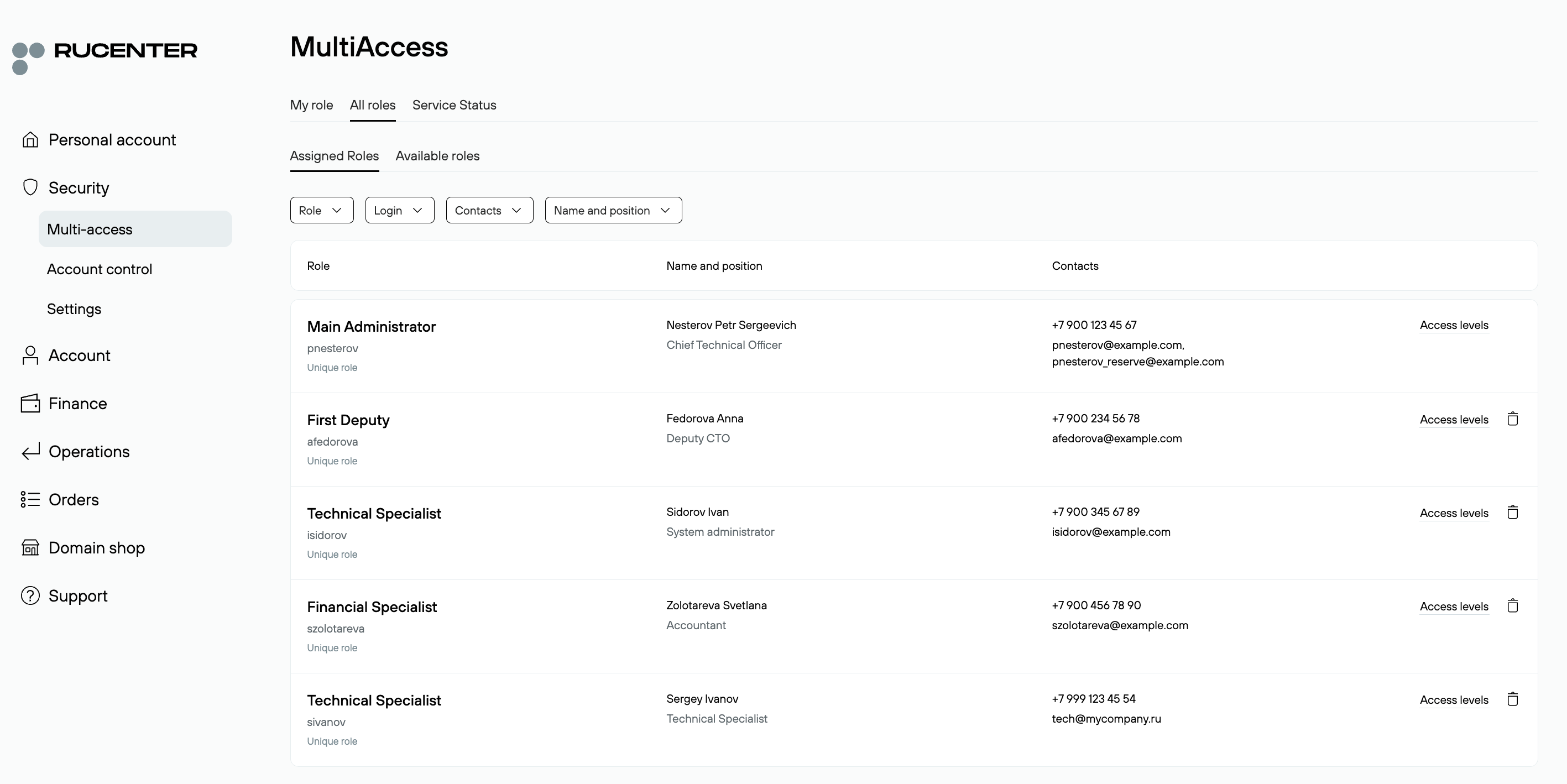
On the opened page, in the Login Method block, click Password.
Enter the new password and save changes.
After a password change, the role owner, the Main Administrator, and Deputies receive a notification.