
Support Section in Multi-access
The Support section in the Control Panel is available to all roles. Access to it cannot be restricted for anyone.
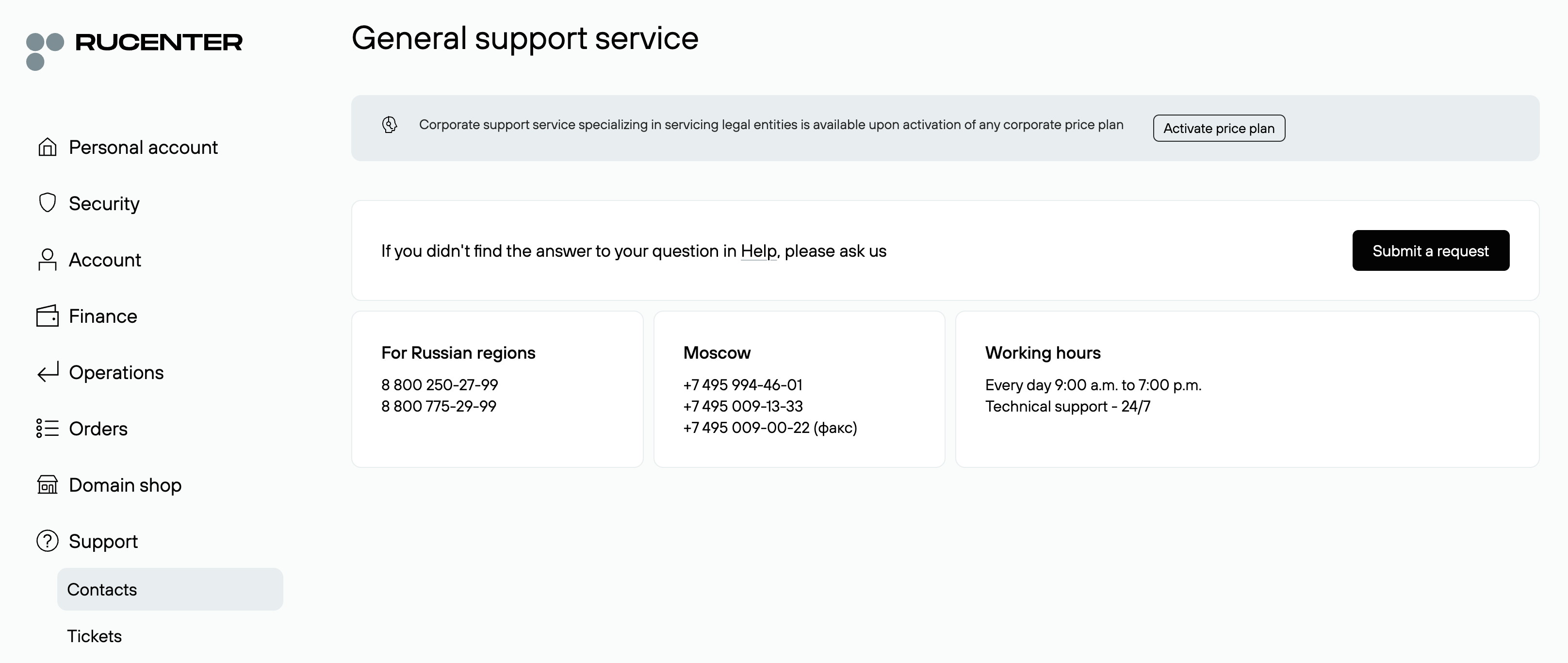
Under Support → Contacts, you will find all communication channels with Rucenter support team. For clients on corporate price plans, a dedicated support line and an online chat with support staff (without a chatbot) are available.
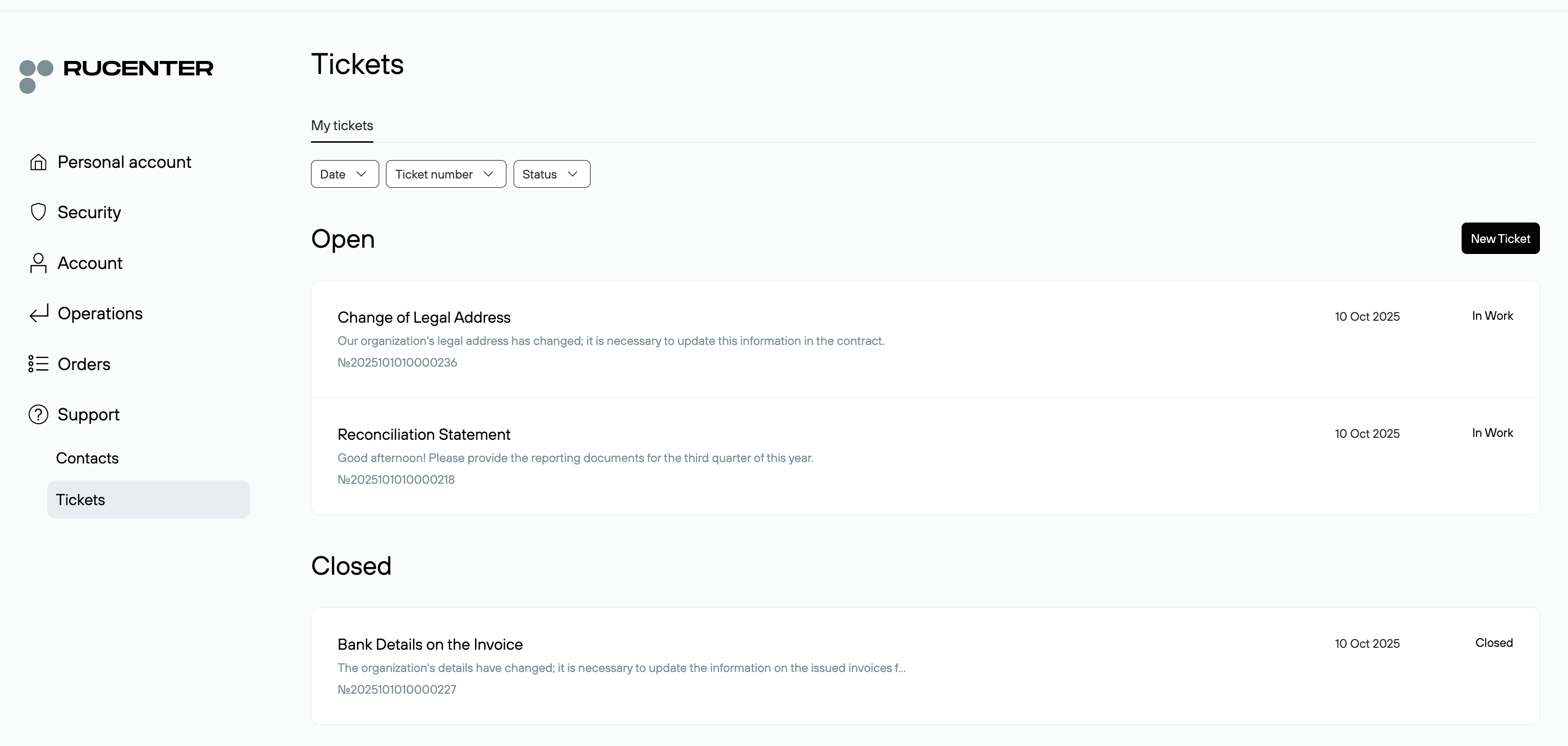
Support Tickets
In the Tickets section, each secondary role only has access to their own support requests submitted under their role credentials.

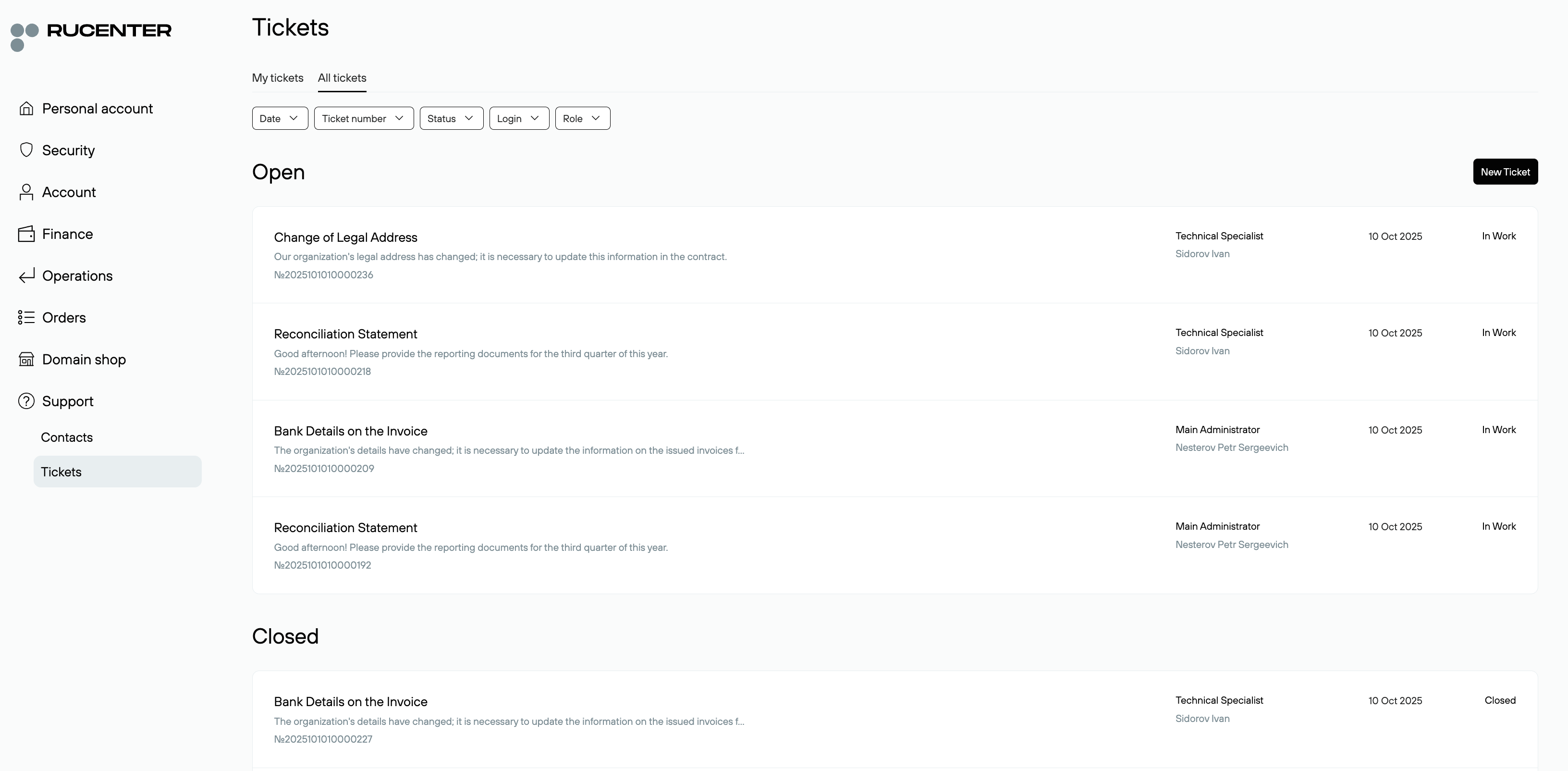
The Main Administrator and Deputies can submit tickets under their own access and also view tickets submitted by all other roles.
When processing a request, support verifies the access rights of the role that submitted it. Information regarding sections or operations in the Control Panel to which the role does not have access cannot be disclosed to that role’s owner.