
Editing and Deleting Roles
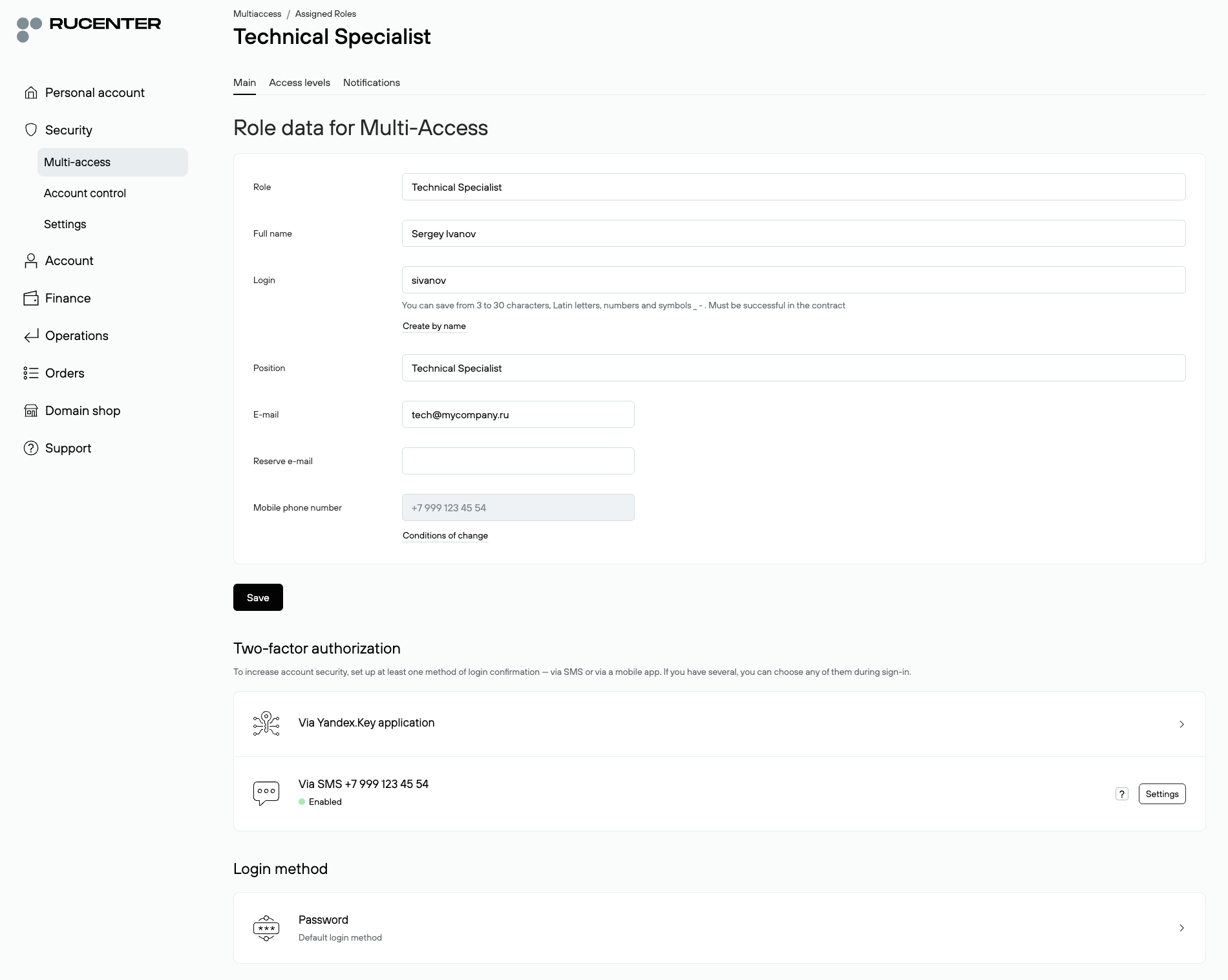
Only the Main Administrator and Deputies can make changes to role settings. A secondary role owner cannot edit their data but can view their role information, notification settings, and access levels. All role management actions are performed in: Multi-access — All Roles — Assigned Roles.
To edit a role, find the desired role in the list, click on its name to open and modify details.
Deleting a Role
Any role created under Multi-access (including Deputies) can be deleted if no longer needed. After deletion, the role becomes inaccessible: login with its credentials is blocked, all notifications are automatically disabled, and recovery is impossible. Information about the deleted role is preserved in the Deleted Roles section.
Please note:
- The Main Administrator role cannot be deleted.
- Deputies can only be deleted by the Main Administrator.
- Deputies can delete only secondary roles.
Steps to delete a role:
1. Go to Multi-access — All Roles — Assigned Roles;
2. Find the desired role in the list and click the trash can icon next to it;
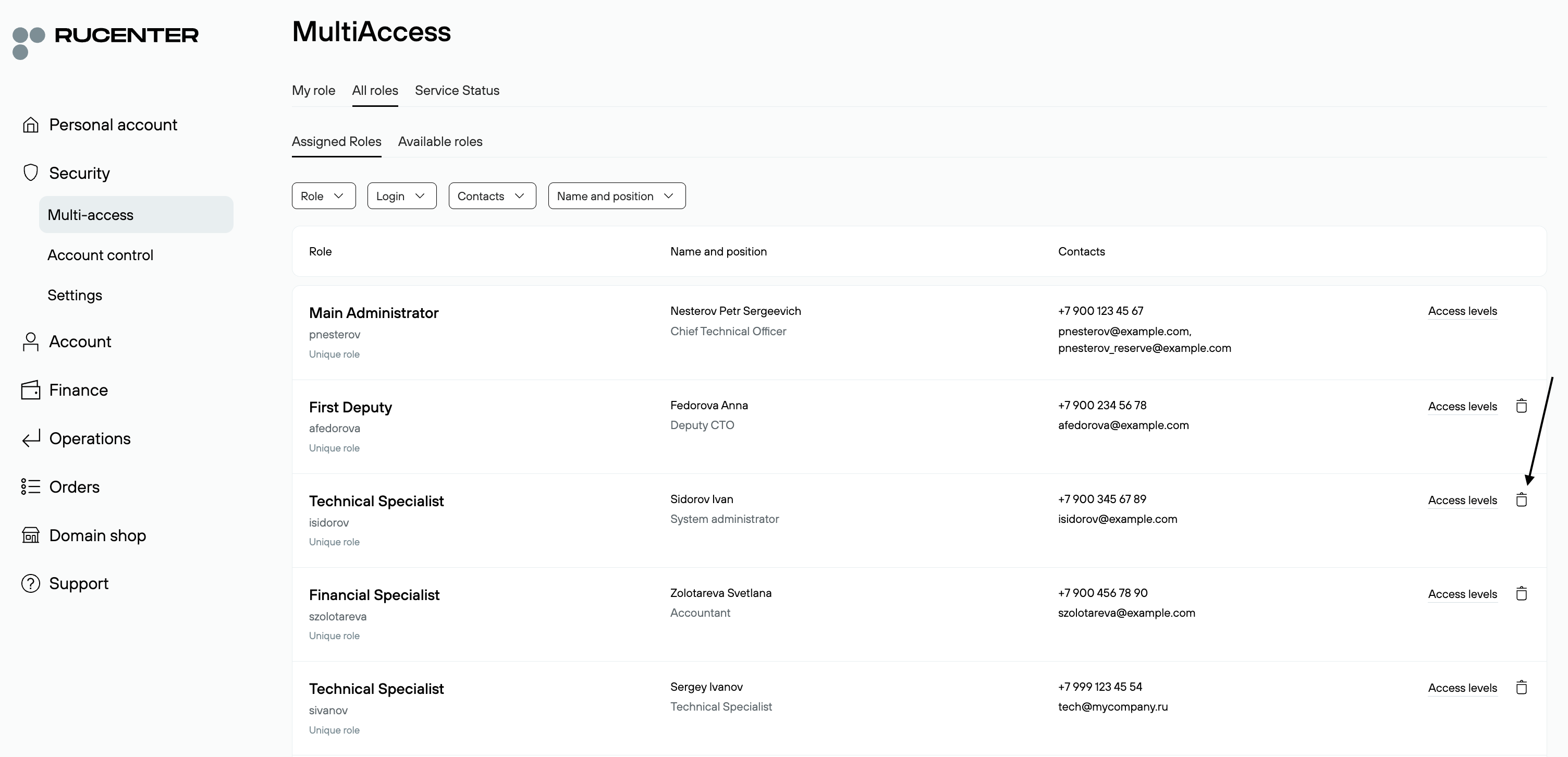
3. Confirm deletion in the pop-up window;
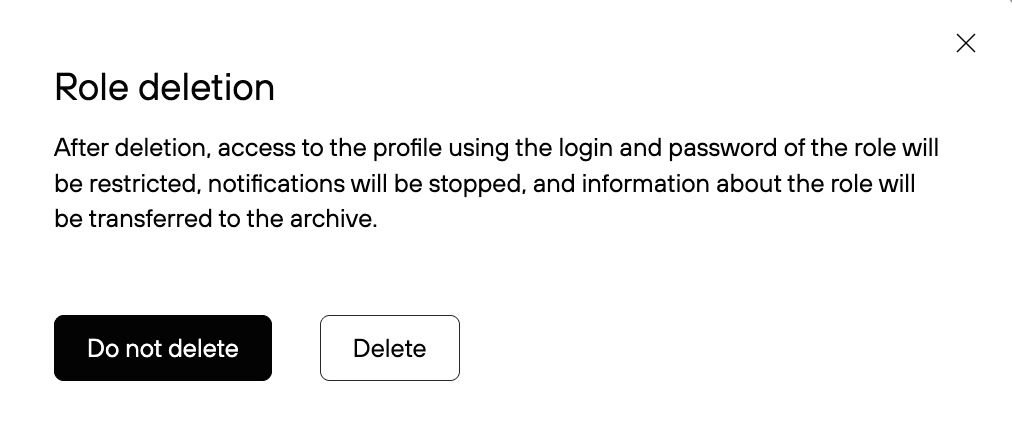
4. The role is deleted.